
Malkraz
Malkraz
About
- Username
- Malkraz
- Joined
- Visits
- 135
- Last Active
Comments
-
Feel free to provide video examples or evidence of the server having authority. Do you think BHVR lied and already changed hit registration?
-
"Hitboxes" are a boogeyman explanation for latency issues. Latency does not (currently) affect Killer hits outside of projectiles like hatchets. Your connection will not change this as Killer. Hope this helps.
-
I acknowledged your claim and explained the error. Good luck in your practice.
-
Then you'd be getting a hit, because your client determines when the hit occurs. You're not, therefore you missed.
-
@Dead_by_Gadfly said:
https://forum.deadbydaylight.com/en/discussion/comment/1426820#Comment_1426820
This is literally why i dont play nurse, idk if her lunge is shorter or hitbox is different or what but at least once a game i waymtch my weapon pass right through someone and i want to throw my xbox into a meat grinder
The game still works off client authority. You're just missing.
-
@Customapple0 said:
I assume if the killer has authority over hits then it’s still client-sided?
Why not have hit registration totally server sided so that it’s fair for both sides?
Because this can easily lead to inconsistency with hits passing through Survivors even on a decent connection. This is THE fastest way to completely annihilate the game's Killer population and the game itself.
-
@C3Tooth said:
You didnt mention that Dead hard can only be used when injured.
Beside, some Killers able to act like they're about to attack, but not. Make survivors do a fail dead hard, and Killer able to down them. With your idea, its pretty much immune to an incoming attack at all time. It will become the best exhaustion perk.
I may say that there should be some requirement, perhaps 3sec to preparing, and 10sec timer. When the timer is gone, you will able to get hit, and have exhausted.
The problem is the same as Head on, 3sec waiting and you have unlimited time of immune from Killer to open locker. There should be a timer to make it deactivated.
You completely misunderstood my suggestion. Hitting the button still exhausts you, regardless of whether you actually dodge a hit or not. A half-second window is all that's needed to counter latency issues. You don't need start-up time.
-
Something needs to be done about the inexcusable state of this perk.
-
Volumetric Fog is by far one of the largest resource drains currently being used in games. I think devs will find that many players on both PC and console will see SIGNIFICANT performance improvements if they're allowed to toggle this feature.
-
The easiest solution here is to display the Killer's ping on the lobby screen, allowing you to choose whether or not to leave to find a better match. This is the least malicious form of lobby dodging because it's not based around skill, but an uncontrollable situation that can significantly lessen the health of the game. The higher the ping is, the less room there is for mind games because the killer displays further away than they actually are.
-
@IamDwight said:
https://forum.deadbydaylight.com/en/discussion/comment/1273465#Comment_1273465
They didn't threaten us with bans. What they said was that the EAC client (which they have no control over) could for some bizarre reason change and instead of spitting out file modification errors (which it does right now), it'll just ban you from the game. I have no idea why this would ever happen and I suspect they've understood this too since config editing is possible again.
EAC cannot and will not ban you for CONFIG file editing. Especially since it's not directly in the game's directory. A lot of games provide the option to adjust config/ini file changes with no repercussions. If they truly don't want config editing, then they add code into the game that ignores config files altogether and read off predefined settings.
If EAC were to start doing that, then a lot of people would end up falsely banned, not just in DBD, but many many other games.
I agree, was just correcting him on what the devs have stated, accurate or not.
-
Other way around, it's enabled by default.
-
Someone just happened to mention it to me.
-
Sorry, I copied the wrong command. r.DefaultFeature.AntiAliasing=0 is correct.
-
@BigBrainMegMain said:
https://forum.deadbydaylight.com/en/discussion/comment/1273516#Comment_1273516
I can't find it anywhere. =/
Open your start menu and type run. Enter %localappdata% and hit Enter. Go to DeadByDaylight\Saved\Config\WindowsNoEditor and open Engine.ini. Create a blank line and add this below it:
[/Script/Engine.GarbageCollectionSettings]
r.DefaultFeature.AntiAliasing=0
Save the file, then right click on it and click Properties. Set the file to Read-Only.
-
@Ihatelife said:
https://forum.deadbydaylight.com/en/discussion/comment/1273465#Comment_1273465
So you wanna say that changing graphic options in game files is normal though yeah? meh. They should anyway change that service wth anti-cheating. EAC is completely useless about the hackers.
Fun fact, this is essentially all you're doing when you change graphics options in the in-game menu. It's just a different interface.
It's up to BHVR to curate which commands they want the player to have access to.
-
@angematias said:
https://forum.deadbydaylight.com/en/discussion/comment/1273352#Comment_1273352
As has been proven before, there are changes that can be made through the anti-aliasing that aren't intended for the game, I would bother with researching a little rather than simply denying it next time. Developers did not intend to lock the anti-aliasing some way if there weren't any issues with it. Issues they are looking into.
As above, you cannot "make changes through the anti-aliasing". They've already disabled the commands that were causing problems. r.DefaultFeature.AntiAliasing=0 has NOTHING to do with those.
If they're not willing to add settings to the in-game menu, it would be nice if BHVR could release a list of officially supported commands to help inform the community on how this stuff works.
-
Angelicus the commands you've listed have absolutely nothing to do with Anti-aliasing. This is what you need:
[/Script/Engine.GarbageCollectionSettings]
r.DefaultFeature.AntiAliasing=0
@angematias said:
I would not recommend meddling with the configurations in the game, it sounds dangerous and it is known people have turned the Anti Aliasing all the way down to exploit a few things. So I would recommend being extremely careful and probably spreading this information has good intentions but it might get used wrongly by other users.
Meddling with the Engine.ini config file is not "dangerous", you're just changing built-in commands that do not have an equivalent in the in-game menu. You cannot "turn anti-aliasing all the way down to exploit a few things". Anti-aliasing in this game is either On or Off, and all it does is attempt to smooth out jagged edges in the screenspace. You're thinking of other commands that could do things like disable fog or mess with the FOV.
@mottigedel said:
so have they removed the restriction to temper with the engine.ini file??? Is this confirmed by the devs?
They re-enabled specific commands such as r.DefaultFeature.AntiAliasing=0. I don't know if others like r.DefaultFeature.Bloom=False work still.
@RepliCant said:
Engine.ini file or GameUserSettings.ini ?
Engine.ini
@Ihatelife said:
They didn't listened to us. They literally threat to us that if we're gonna touch the files then we're gonna get banned. Also why they allow us to touch the game files instead of finally adding a proper graphic settings? Community hate that much?
They didn't threaten us with bans. What they said was that the EAC client (which they have no control over) could for some bizarre reason change and instead of spitting out file modification errors (which it does right now), it'll just ban you from the game. I have no idea why this would ever happen and I suspect they've understood this too since config editing is possible again.
-
@DwightOP said:
Oh look, the next hotfix (3.7.2) dropped but the AA situation is still the same. What a suprise bhvr
This actually isn't true, surprisingly enough.
r.DefaultFeature.AntiAliasing=0 is now re-enabled under [/Script/Engine.GarbageCollectionSettings]. However, one or some of the other settings that are commonly used are causing EAC to detect modification and boot you out of the game.
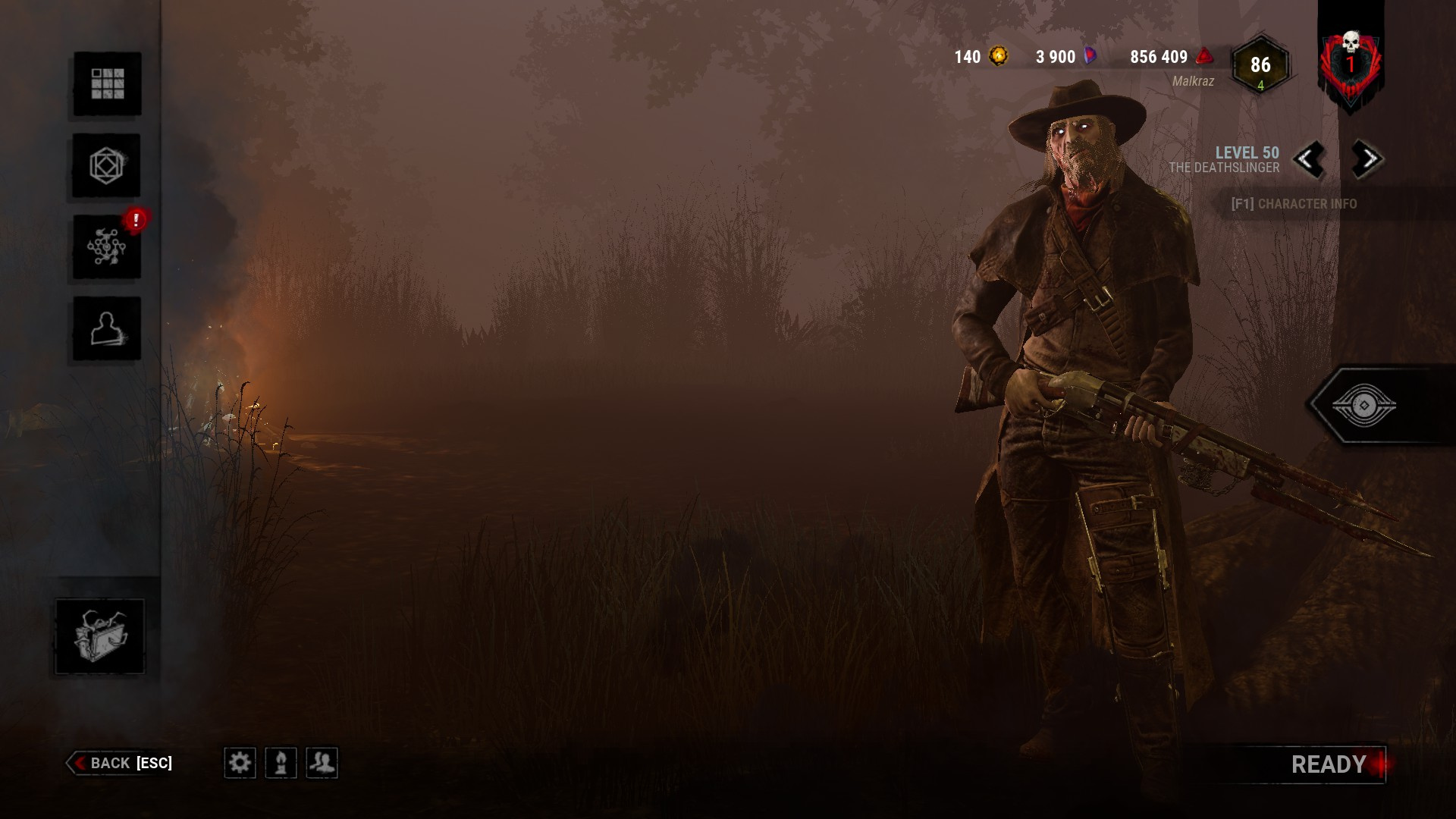
A bit difficult to tell due to compression but the beard is a dead giveaway.
-
This thread is mind-bendingly clueless
-
My suspicion as to why they're so unwilling to give us this option and why it was included in Low Settings several months ago is that having no anti-aliasing makes the game look "bad". If they allow you to disable certain features that make your game look worse graphically and then stream it or otherwise show it to others, it doesn't have that same appeal as a "great-looking game". This could mean less sales for them.
Between this and laziness I cannot think of a suitable reason why they would forcibly implement this and then completely ignore all the complaints about it. It appears to be a pure business move.
-
@Jota said:
I hope they talk about the Anti-Aliasing during the next Q&A
I hope they resolve this well before then because it's completely impossible for me to play with their AA solution without getting headaches, and won't be playing or purchasing any Rift nonsense due to that.
-
The physical makeup and specs of the component don't change but how a specific piece of software utilizes the resources it and other components provide will absolutely impact its performance in that software.
-
The mechanic is busted in the exact same way on both ends. Ghostface and Myers have a hell of a time stalking Survivors.
-
The problem with the solution your team is implementing, rather than this oversimplification that implies it only smooths out the edges, is that it applies to the ENTIRE screen space. This causes problems for a lot of players not just in that it makes the image less clear, but players such as myself with poor eyesight suffer from severe eyestrain and headaches as a result of this vaseline-like solution. Unless I want a migraine for hours on end it's not going to be possible for me to play your game when you're going to force us to have this setting enabled. Virtually no game on PC in 2020 has as few in-game graphical options as Dead by Daylight does.
-
@Peanits said:
https://forum.deadbydaylight.com/en/discussion/comment/1239583#Comment_1239583
HamletEagle basically answered it, but it's to prevent malicious modification of the ini files to gain an advantage. Unfortunately that means that other harmless tweaks, like disabling anti aliasing, are also disabled. It's not just to spite the people who prefer playing without anti aliasing.
It's not about preference, I cannot play this game with your awful anti-aliasing solution because it causes me headaches. I won't be able to play your game until it's fixed.
-
This is an issue with latency and lag compensation, not the hitboxes themselves. This problem is unsolvable past a certain point as there's always going to be a discrepancy between what you and the guy 700 miles away see, and it's only going to be exacerbated by dedicated servers.
-
Huntress is likely a different matter as projectiles are typically handled by the server.
-
The Killer's ping should be shown to Survivors in the lobby, and ideally vice versa. Assuming hit registration is handled with client authority, which it appears to be, a Killer with an excessively high latency will basically offset the fact that the Survivor is playing with low latency on a nearby server and will appear to hit from a significant distance away. On the original P2P system, players were able to see when the latency was too high for an enjoyable experience and were able to requeue for a better one. This is no longer the case and it's a complete gamble regardless of what your own ping to the server is.