
Tiixxel
Tiixxel
About
- Username
- Tiixxel
- Joined
- Visits
- 275
- Last Active
Comments
-
@hailxsatanxeveryxday said:
It's also worth noting that the update to glibc 2.36 breaks EAC on everything (DBD included), so if you're using a rolling release or bleeding-edge distro, this may require a workaround.
I think Arch may (?) have already fixed this in its implementation of glibc, and there were workarounds floating around as well if you Google it. But I don't use Arch anymore and am not sure.
If anyone knows what glibc SteamOS is currently using (I imagine that Valve wouldn't allow EAC to break on its own platforms), that might be interesting.
On Gentoo, recompile glibc with the hash-sysv-compat USE flag.
The only other distros this might currently affect, AFAIK, are Fedora and OpenSUSE's rolling release branch, so if anyone's using those, try firing up any game with EAC and post results.
Fedora works. Even tho I have
glib 2.36-8installed which is odd. -
@aragami said:
https://forums.bhvr.com/dead-by-daylight/discussion/comment/3313916#Comment_3313916
https://forums.bhvr.com/dead-by-daylight/discussion/comment/3313763#Comment_3313763
You guys are all right, but why does the epic version works and the Steam one doesn't? Cannot be just a server side block otherwise it wouldn't work for Epic too. I may be wrong since I'm far from being an expert tho
The answer could be some differences between these two, maybe it's just a library mismatch or a difference in how the executable from Steam works compared to that of Epic.
I don't know if this have any relevance or is it just an expected result since I don't have the knowledge to analyze a dll/so compiled library but I found this, maybe someone could investigate even more:
(I used the same command for every file you see here)
user@pc:~$ strings '.steam/debian-installation/steamapps/common/Dead by Daylight/DeadByDaylight.exe' | grep Easy
This give the following results:
-
DeadByDaylight.exeUnloading the EasyAntiCheat library. Outdated EasyAntiCheat library, does not match with launcher's version. EasyAntiCheat Oy1 EasyAntiCheat Oy0
-
DeadByDaylight-Win64-Shipping.exe:../../../EasyAntiCheat/eac_server64.dll ../../../EasyAntiCheat/easyanticheat_x64.dll
-
EasyAntiCheat_x64.dll:Easy Anti-Cheat successfully loaded in-game User-Agent: EasyAntiCheat-Client/1.0 EasyAntiCheat\Cache\ EasyAntiCheat successfully initialized Error validating EasyAntiCheat code signing certificate. EasyAntiCheatPreRelease EasyAntiCheat_x64.pdb EasyAntiCheat_x64.dll EasyAntiCheat Oy1 EasyAntiCheat Oy0
-
easyanticheat_x64.so:EasyAntiCheat\Cache\ User-Agent: EasyAntiCheat-Client/1.0 EasyAntiCheat successfully initialized Easy Anti-Cheat/1.0.0 EasyAntiCheat Client
If someone with the Epic version could try the same to see if there are any differences would be cool.
DeadByDaylight.exe:
Unloading the EasyAntiCheat library.
Outdated EasyAntiCheat library, does not match with launcher's version.
EasyAntiCheat Oy1
EasyAntiCheat Oy0
DeadByDaylight-EGS-Shipping:
../../../EasyAntiCheat/eac_server64.dll
../../../EasyAntiCheat/easyanticheat_x64.dll
EasyAntiCheat_x64.dll:
Easy Anti-Cheat successfully loaded in-game
User-Agent: EasyAntiCheat-Client/1.0
EasyAntiCheat\Cache\
EasyAntiCheat successfully initialized
Error validating EasyAntiCheat code signing certificate.
EasyAntiCheatPreRelease
EasyAntiCheat_x64.pdb
EasyAntiCheat_x64.dll
EasyAntiCheat Oy1
EasyAntiCheat Oy0
easyanticheat_x64.so:
EasyAntiCheat\Cache\
User-Agent: EasyAntiCheat-Client/1.0
EasyAntiCheat successfully initialized
Easy Anti-Cheat/1.0.0
EasyAntiCheat Client
Nope, nothing different...
-
@Rokolell said:
https://forums.bhvr.com/dead-by-daylight/discussion/comment/3312877#Comment_3312877
If you're able to play via Epic, the file content of
drive_c/users/<USER>/AppData/Roaming/EasyAntiCheat/83/loader.logwould be interesting.It also tries to download the wine64 eac thing:
[2023.01.07-00.26.35] [Connection] Connecting to URL: https://download.eac-cdn.com/api/v1/games/83/client/wine64/download/?uuid=
it then fails and tries to download it again:
[2023.01.07-00.26.35] [Connection] Connect result: No error (0) Response Code: 200 Destination IP:
[2023.01.07-00.26.35] HTTP Response Code: 200 Curl Code: 0
[2023.01.07-00.26.35] Falling back to a secondary CDN path.
[2023.01.07-00.26.35] [Connection] Connecting to URL: https://download-alt.easyanticheat.net/api/v1/games/83/client/wine64/download/?uuid=
that then once again fails and the log ends there:
[2023.01.07-00.26.35] [Connection] Connect result: No error (0) Response Code: 200 Destination IP:
[2023.01.07-00.26.35] HTTP Response Code: 200 Curl Code: 0
[2023.01.07-00.26.35] [EAC Callback] Code 915. Message: 'HTTP Response Code: 200 Curl Code: 0'.
download progress stays at 0%
HOWEVER
there is a file at the same location as the "83" folder called:
gamelauncher.log
which ends with the following lines:
[Info] [LauncherFinished] EACAsyncResult: 0 Message: 'Easy Anti-Cheat successfully loaded in-game'.
[Info] Unloading the EasyAntiCheat library.
[Info] Destroying windows.
[Info] Exit.
both files appear to have been written to by eac at the same time:
loader.log           00:26:35
gamelauncher.log     00:26:38
Yet I have no idea why it says it failed to download the wine64 eac thing but then still successfully loads eac?
-
I've tried out the steam version just now and it's working like the EGS version. No issues so far.
@sgtandrade said:
I just updated Dead by Daylight and was able to play a multiplayer match on Steam. I don't know if it was a fix from de devs or my tinkering. Later I'll be able to test and identify what need to be done but right now here is my tinkering status.
I've linked
EasyAntiCheatfolder toDeadByDaylight/Binaries/EGS/EasyAntiCheatandDeadByDaylight/Binaries/Win64/EasyAntiCheat.Also set the launch options:
PROTON_EAC_RUNTIME=/pathtosteamlibrary/SteamLibrary/steamapps/common/Proton\ EasyAntiCheat\ Runtime %command%
I'll really enjoy if someone confirms and check all the thinkering done.
Followed the steps from this comment.
-
@AbsoluteLength said:
https://forum.deadbydaylight.com/en/discussion/comment/3272209#Comment_3272209
This using the Heroic launcher?
Edit: Getting disconnected from steam like Siylph wrote.
Heroic, yes.
-
New update is still working. No problems so far.
-
I managed to merge my accounts before they shut the tool down, progress has been in sync and haven't had any problems so far.
-
It happened without the FPS unlock. It's basically rolling a dice, sometimes the client will say "ye sure no EAC problems", sometimes it will. I restart until it works.
And I have my progress from steam on EGS because I synced it previously :)
-
Can confirm that the EGS version works with EAC. Can play on both my Steam Deck and Desktop, although it is a hit or miss and sometimes it will error on the inintial loading screen, sometimes it won't and just work perfectly fine.
-
Good news for EAC on Deck + Steam Deck test results getting published soon
You no longer need to use the EOS EAC Version to enable proton support. The non EOS version is supported now as well! This means that now it‘s actually only a click away and does not require the change of game binaries etc.
-
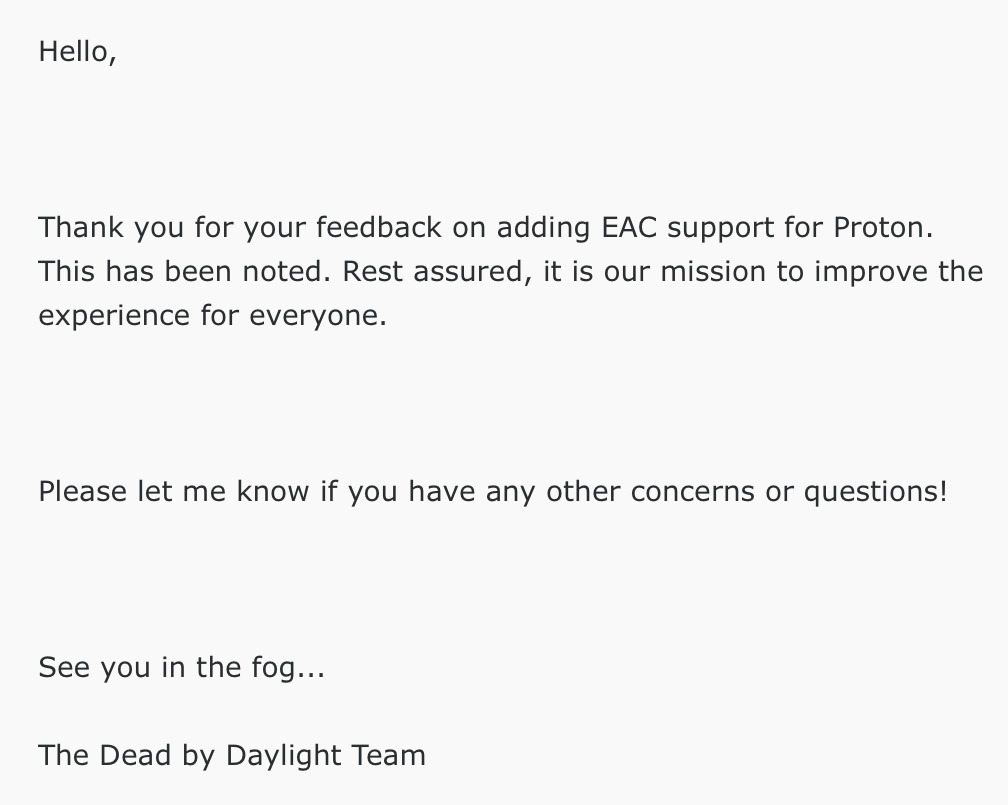
I got a response about the support request I sent, unfortunately nothing new.
-
Since BHVR is answering some Questions from the Community, asking about EAC support might help as well!
There is already a post up for this, it would be great if all of you could vote this up: https://forum.deadbydaylight.com/en/discussion/283963/linux-steam-desk-support
-
There is already another forum post asking for this: https://forum.deadbydaylight.com/en/discussion/282110/eac-on-steam-deck-proton-linux#latest
But obviously still a +1 from me here, I would love to play dbd on my Steam deck in the future / on my Linux desktop right now!
-
I have also submitted a support ticket asking if they could enable eac support for proton since it is required for the steam deck and Linux in general. Let’s all hope for the best, I’d switch in an instant if this goes through!
-
+1 from me as well
-
This bug seems to have been fixed by the latest Bugfix patch (5.2.2) and the thread can be closed.

Thank you BHVR!
-
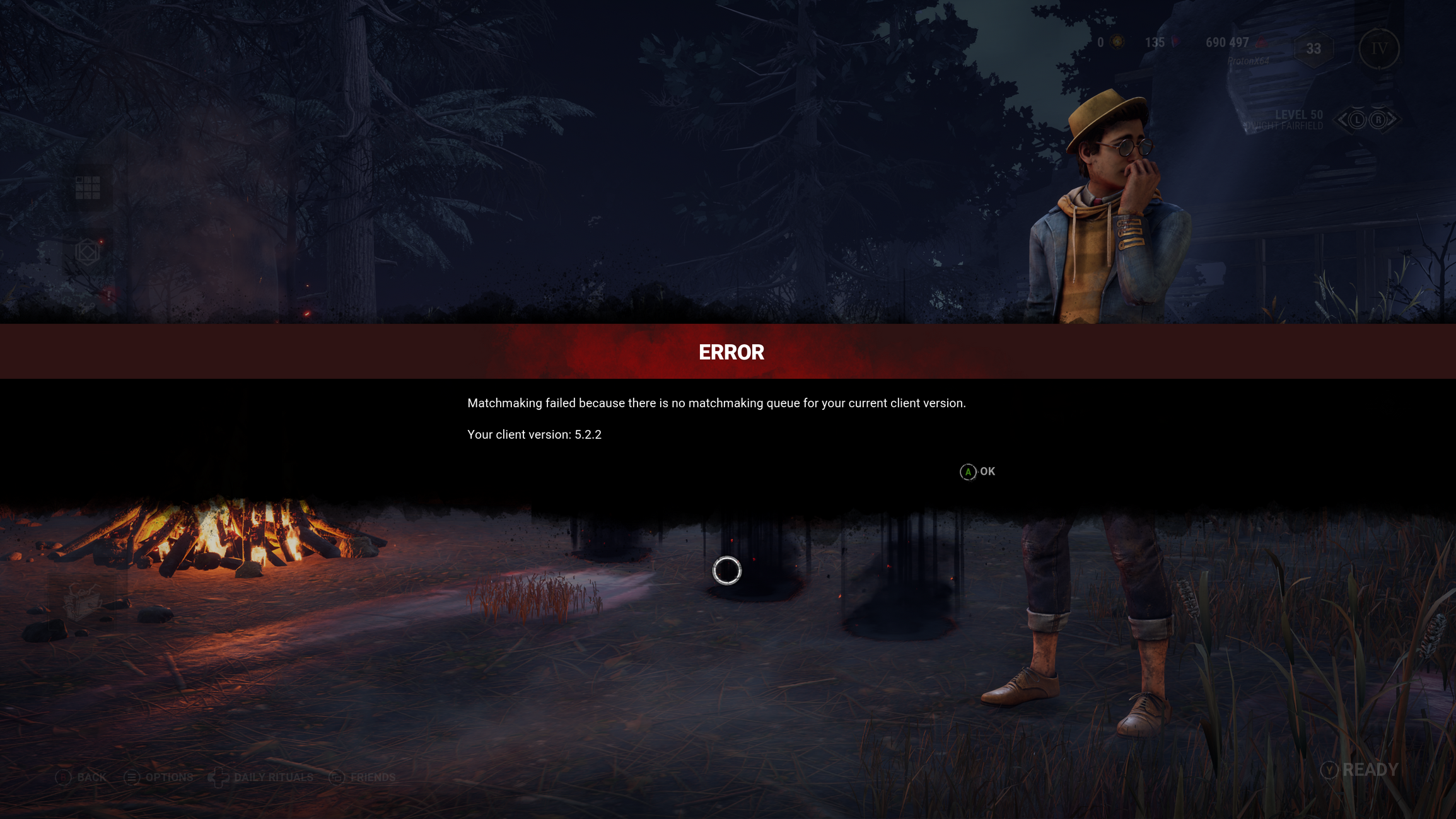
Can confirm this. (Series X)
-
The only reason on why I like the new movement is because if you crouch, you are much smaller and your head doesn’t peak through windows etc.
Or if somebody is on the ground, the surv needs to completely bow down to them to heal.
I only like some small visual improvements, which is why I can accept the new movement. But I’d rather resort to the old movement with the new improvements, if that would be possible.