Dark/No Light Through out WHOLE game


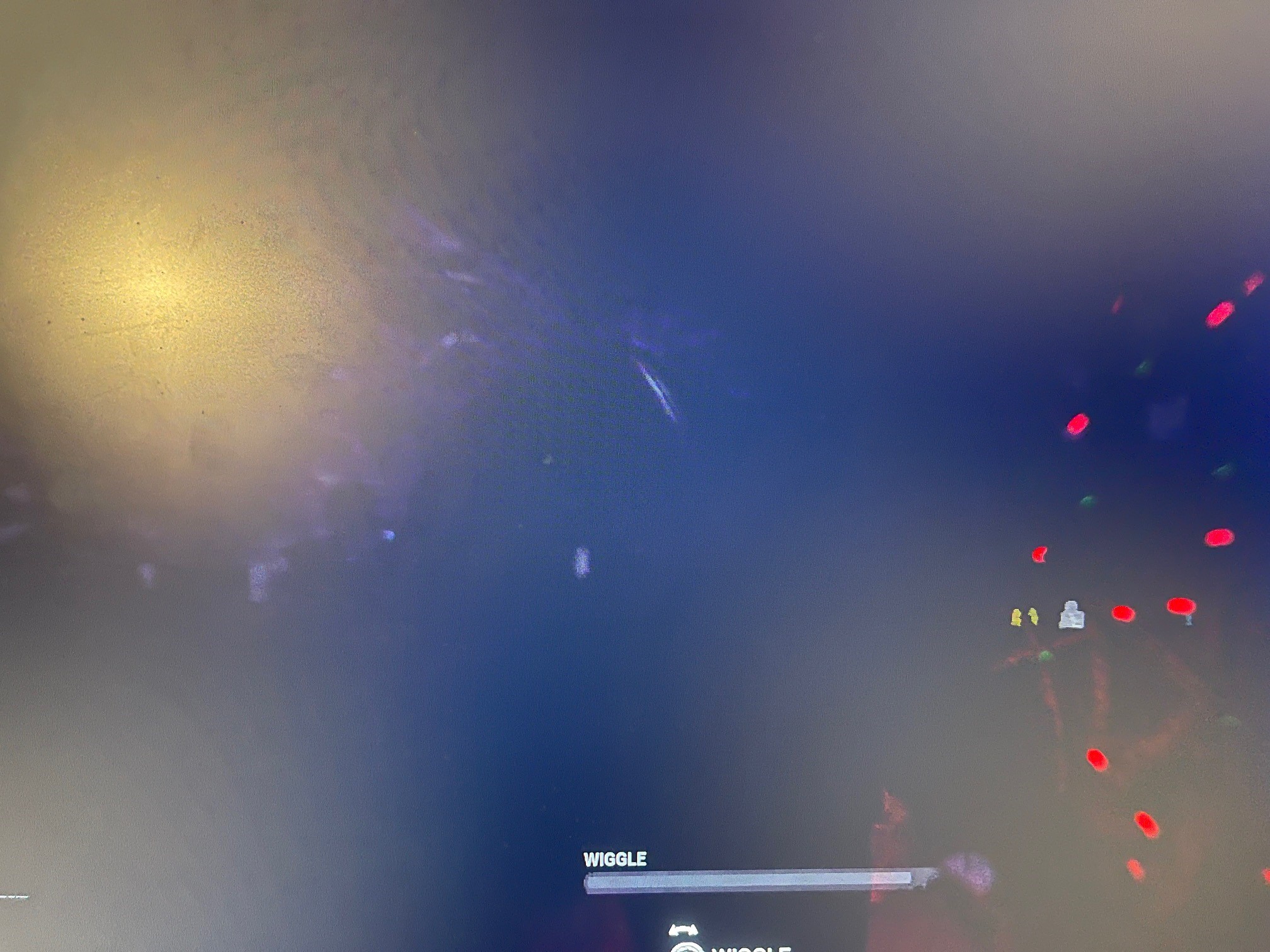

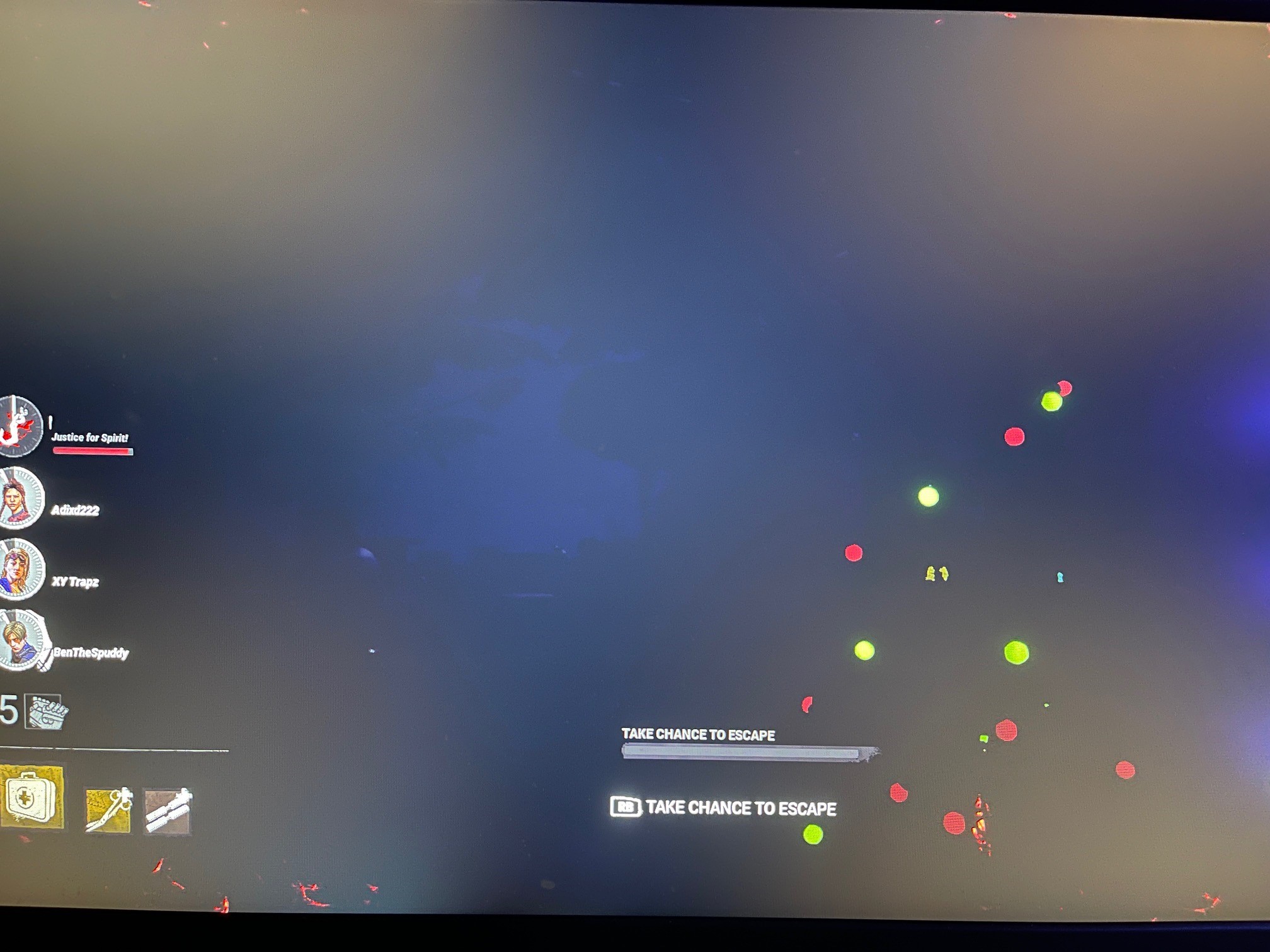
After patching to 5.4.1 I started the game and straight away on the loading screen informing me of the save mechanic, the DBD logo cannot be seen.
Entered menus - Could see menu options but the background showing killers/survs was dark - lights turned off. Only light visible was campfire and Christmas lights.
Entered Load Out screen - Same
Loaded into a game just to check - same, can only see Xmas lights and the killers red stain and what ever the killers red stain shone on to like a torch. everything else was total darkness.
Similar to "The Game" Map - But everywhere. Even on menu/lobby/store etc...
Below ar pictures - I was on the Mccmillan Estate.
This was NOT just the map, But every menu in the WHOLE game. I cannot play the game
Tagged:
Pending
Comments
Dude funny ######### I have right the opposite
It's something to do with the app data in documents and then delete the DBD folder. No idea if that will make any sense to you but it takes like 2 minutes to do it. So deleting the app data is the fix.
This worked perfectly, thank you!
Anyone else having this issue on Steam:
Close game first!
I kept the original file in my waste basket just in case ha, but it worked fine.