
fzzzee
fzzzee
About
- Username
- fzzzee
- Joined
- Visits
- 37
- Last Active
Comments
-
@OrangeBear said:
I decided to try updating to windows 11 to see if that would fix it but it does not work unfortunately and happened the first match.
thanks for let me know, i'd do that today, but i'm not even going to bother
-
@Coordi said:
Good morning, if this is happening on PC, can you please follow these steps if it happens so that we can have your logs?
HOW TO GET YOUR LOGS (THIS PART ONLY APPLY TO PC PLAYERS):
When you get the issue, close your game and do not reopen it until you get your logs.
- Press Win+R
- Type in appdata
- Press OK
- In opened window navigate to: \Local\DeadByDaylight\Saved\Logs
- Usually you would need to attach the DeadByDaylight.log file.
- Add the file to your bug report
https://us.v-cdn.net/6030815/uploads/202/HZA3HR4ZEEGB.png
Note: copy/paste the template and add your information. if you are not following the template, you will be ask to add the missing info. After the second strike, we will close your thread.
These information will greatly help us to give us a bit of information of what is happening.
Goog morning Jocelynbee, here's my info:
PC Steam - Dedicated server not responding when a match is found
Description
Step 1 : Boot the game
Step 2 : Search for a match (killer or survivor)
Step 3 : Found a match, loading screen appears
Step 4 : Immediately get disconnected, with a message: Dedicated server not responding
Additional information
- This is happening since 9th November
- Since that day i coudn't play any matches
- Alrealdy tried a bunch of things, like uninstalled-Reinstalled the game, Revoked consent, verified game files through Steam...
- My game is updated. I tried the PTB version and then come back to live version on 8th november.
Documents to add
Logs and picture in attachment.
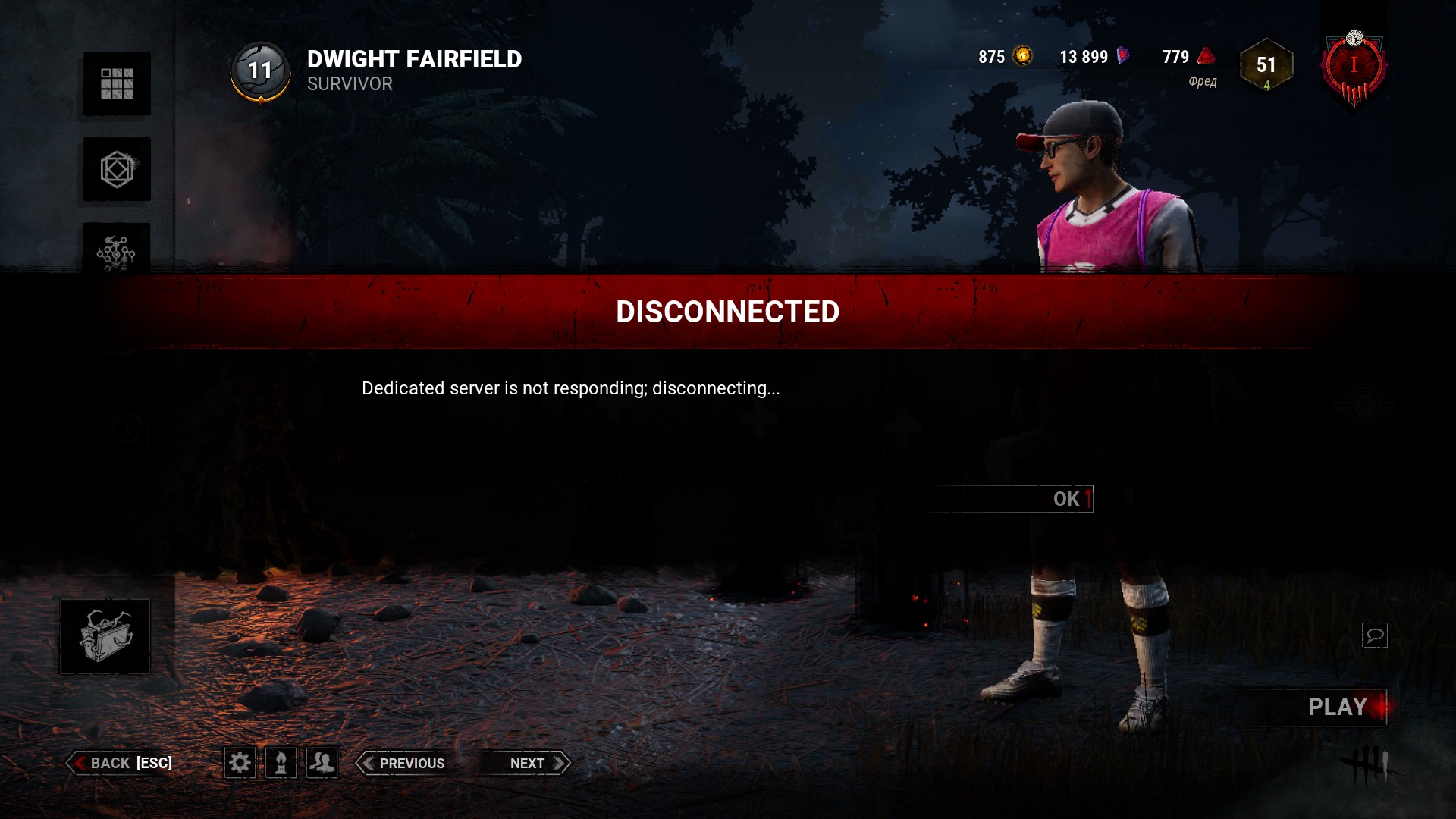
DeadByDaylight.log -
@Frannle said:
To those having these issues currently, is your ISP Virgin Media by any chance?
not me, no. i live in south america, we don't have virgin media here.
-
@Coordi said:
https://forums.bhvr.com/dead-by-daylight/discussion/comment/3573073#Comment_3573073
If you are experiencing the issue, I would happily take logs of every instance, yes!
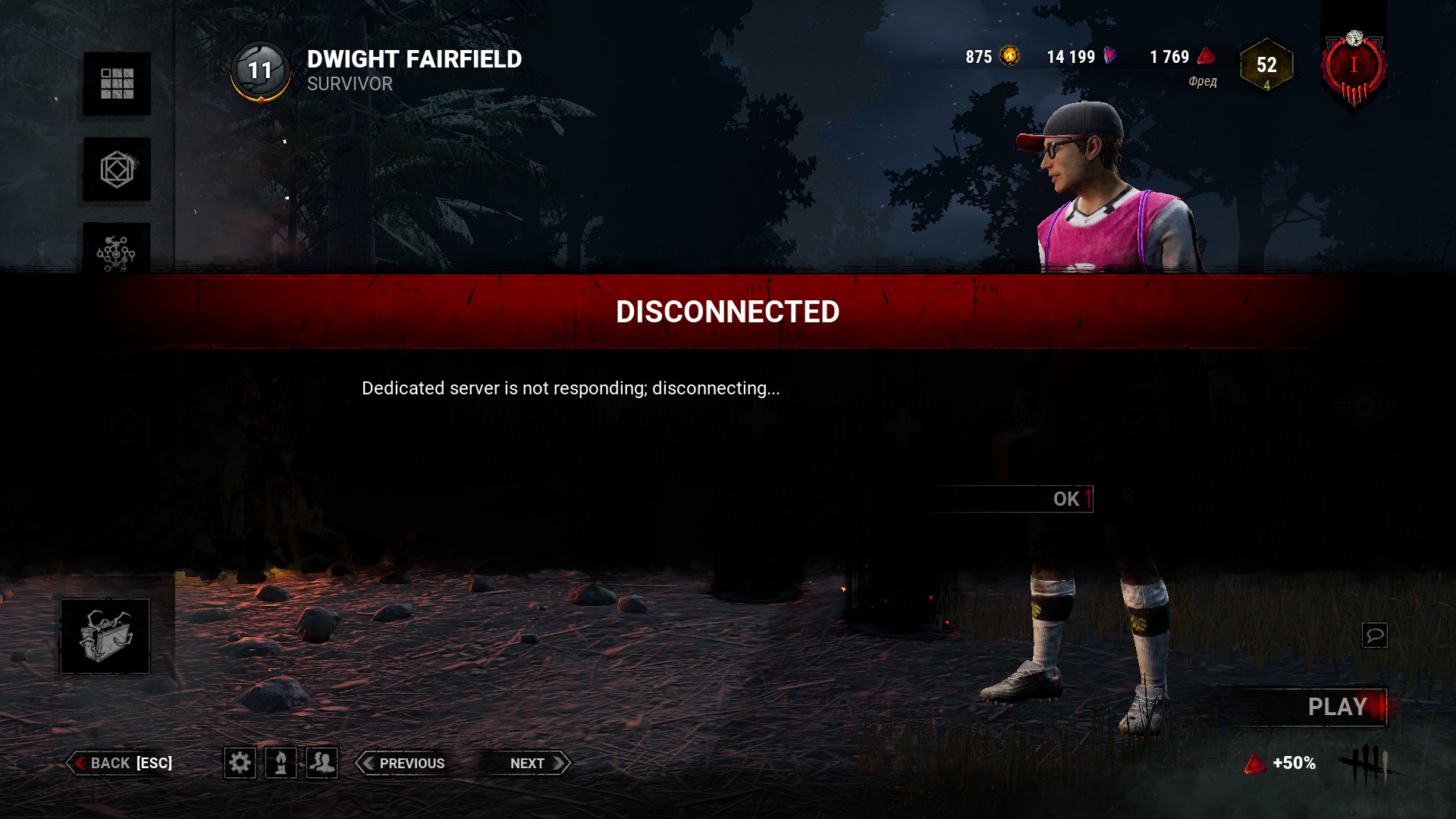 DeadByDaylight.log
:(
-
Been having the same issue from days now. Not even tutorial or custom matches i'm able to play. It's frustrating
-
at least we are not alone and know that the problem is not on our end. it's bhvr's problem. hope they fix this soon :(
-
For me, it's happening when I'm in the lobby and a match has been found. I just can't go to the match lobby, it gives me the 'dedicated server is not responding, disconnecting' message. It has been happening since yesterday and i just can't play the game. I already tried everything and nothing seems to work.
-
Yep, it's also happening to me, the same issue, since yesterday.
I tried everything: uninstalled/reinstalled the game, revoke consent inside the game, verify game files through Steam, hard resetted my modem-router, flushed my DNS, made sure my connection is up and stable, updated drivers and game, restarted the system, went offline/online from Steam, disabled and re-enabled my ethernet port through Windowns, confirm that Steam and Dead By Daylight are allowed in firewall, ran System File Checker tool to repair missing or corrupted system files, performed a Clean Boot... nothing works.
-
I'm having the exactly same issue. Did your problem got resolved? Did you do anything?