
LadyA
LadyA
About
- Username
- LadyA
- Joined
- Visits
- 39
- Last Active
Comments
-
@Witchu said:
https://forums.bhvr.com/dead-by-daylight/discussion/comment/3814851#Comment_3814851
It's tragic that it feels random when it wants to fix itself. Uninstall it completely and go about your life. (make sure you turn off your computer) go about your normal gaming routine for a few days, and then try reinstalling it again. I'm still not keeping my hopes up about my fix, something still feels off when I started playing again and I'm worried I'll get the issue again. But this is the only thing I did differently after an entire month, just uninstall and forget for a few days lol.
I tried doing this, thats how i managed to get into the game and into the store etc but couldnt get into a matchmaking lobby because of error code 4. So I've given up hope.
Im not about to try and reinstall Windows just because of ONE game that refuses to work properly when the rest of my entire steam/epic library is working JUST fine.
-
@Coordi said:
https://forums.bhvr.com/dead-by-daylight/discussion/comment/3807959#Comment_3807959
Hello, we looked through your logs. Can you please restart your PC, and launch Dead by Daylight from the Steam Client directly to see if you still get the error?
Additionally, if you can put steam_appid.txt in the folder of the DeadByDaylight\Binaries\Win64 and recapture your logs, we can then verify further where your error is coming from.
https://us.v-cdn.net/6030815/uploads/VYIAJ4RYV7UM/steam-appid.txt
Just tried getting in again.
This time I was able to get past the loading screen & get into the game, go into store, get my twitch drops etc BUT, the moment I load into any matchmaking lobby, i get the EAC error code 4.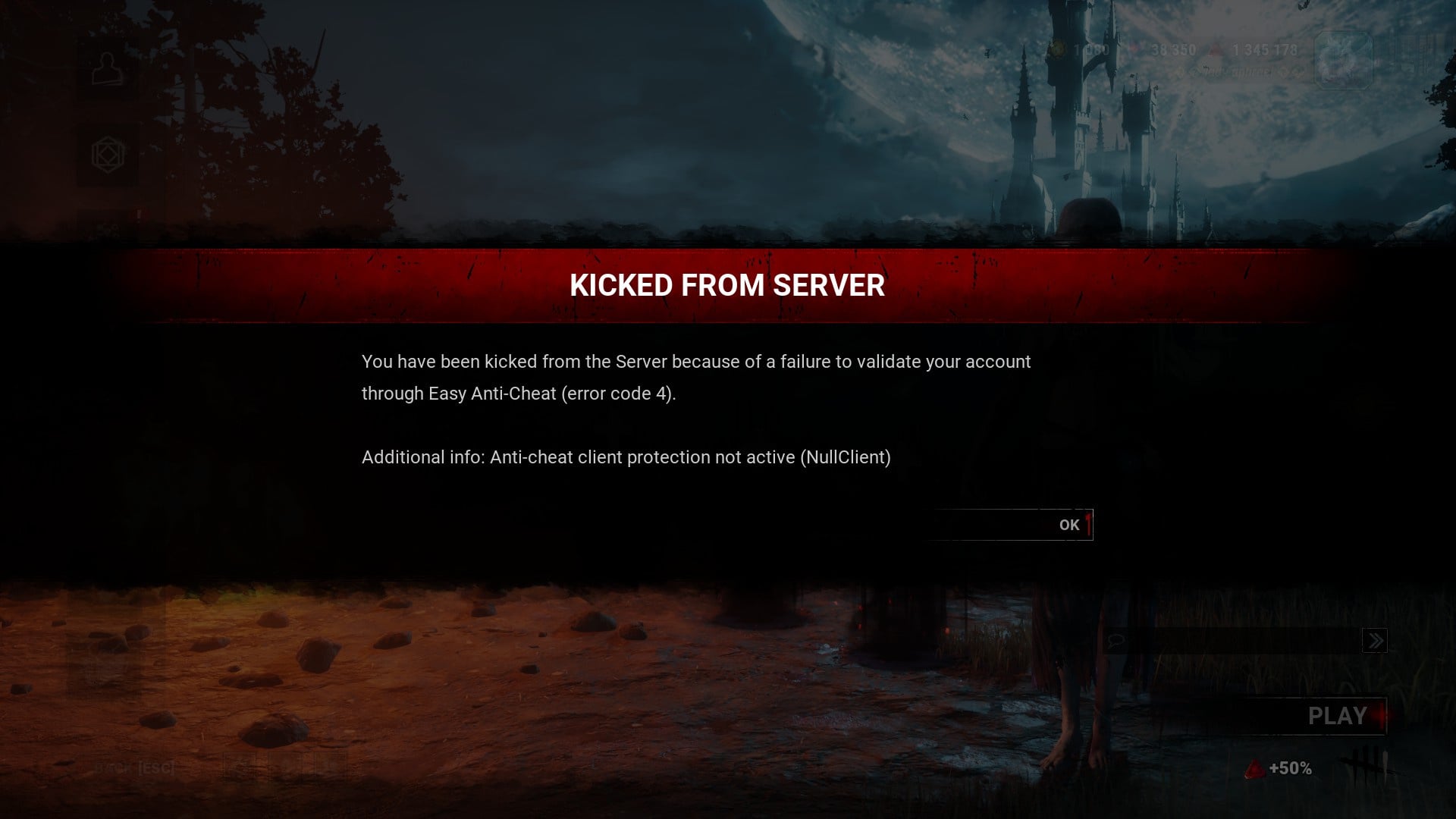 DeadByDaylight.log
anticheatlauncher.log
DeadByDaylight.log
anticheatlauncher.log
Is there seriously no way to fix this? I was so close to finishing the rift and now I'm going to lose out on the tier IV rewards just because of this stupid error. I just needed 2 more challenges zzzzz
-
-
@Coordi said:
https://forums.bhvr.com/dead-by-daylight/discussion/comment/3811057#Comment_3811057
Understandable, for sure. If you can follow the instructions above and just supply the two logs requested, it would be greatly appreciated. (I know we keep asking, but I just need those two logs with those steps taken only).
-
@Seraphin said:
https://forums.bhvr.com/dead-by-daylight/discussion/comment/3807904#Comment_3807904
I got the "EAC is not installed" issue.
When i run Easy_Anti_Cheat_EOS.exe in the game's folder, it appears for 0.1 sec and then closes (see my message on page 1 please).
In the logs, it says that it wasn't launched as administrator, but when i do, the same issue occurs (EAC_EOS opens for 0.1 sec and then closes immediately).
I've gone through all the programs that could interfere, and I don't have any (including Windows Security which makes no mention of interference). And everything is up to date (Windows, graphic drivers etc). It looks like reinstalling Windows will work, but it doesn't seem like an acceptable solution. Any ideas where the problem comes from?
I have the same issue. I cant even see the option to choose a game to repair because the window doesnt even remain open.
-
DeadByDaylight.log@Coordi said:
Everyone still receiving the EAC instantiation issue, can you please help by following these steps and providing the logs?
- Launch EAC
- If it asks if you want to make changes to the system, please say "Yes"
- If you receive an error message, please screenshot.
- If the game closes, please get the following:
- Press Win+R
- Type in appdata
- Press OK
- In opened window navigate to: \Local\DeadByDaylight\Saved\Logs
- Save the DeadByDaylight.log file to upload here
- Add the file to your bug report
- and
- %appdata%\EasyAntiCheat\2b2299be8ae84d679d4dc57c55af1510\e5c7f466abde4f7ba13c2ffc71a1efc1\anticheatlauncher.log
- ^add this log to the report as well
It's important to follow these steps so the issue can be reproduced. Extraneous logs or screenshots not related, or logs that don't follow these steps, will get confusing. Please only add those logs to this thread. Thank you!
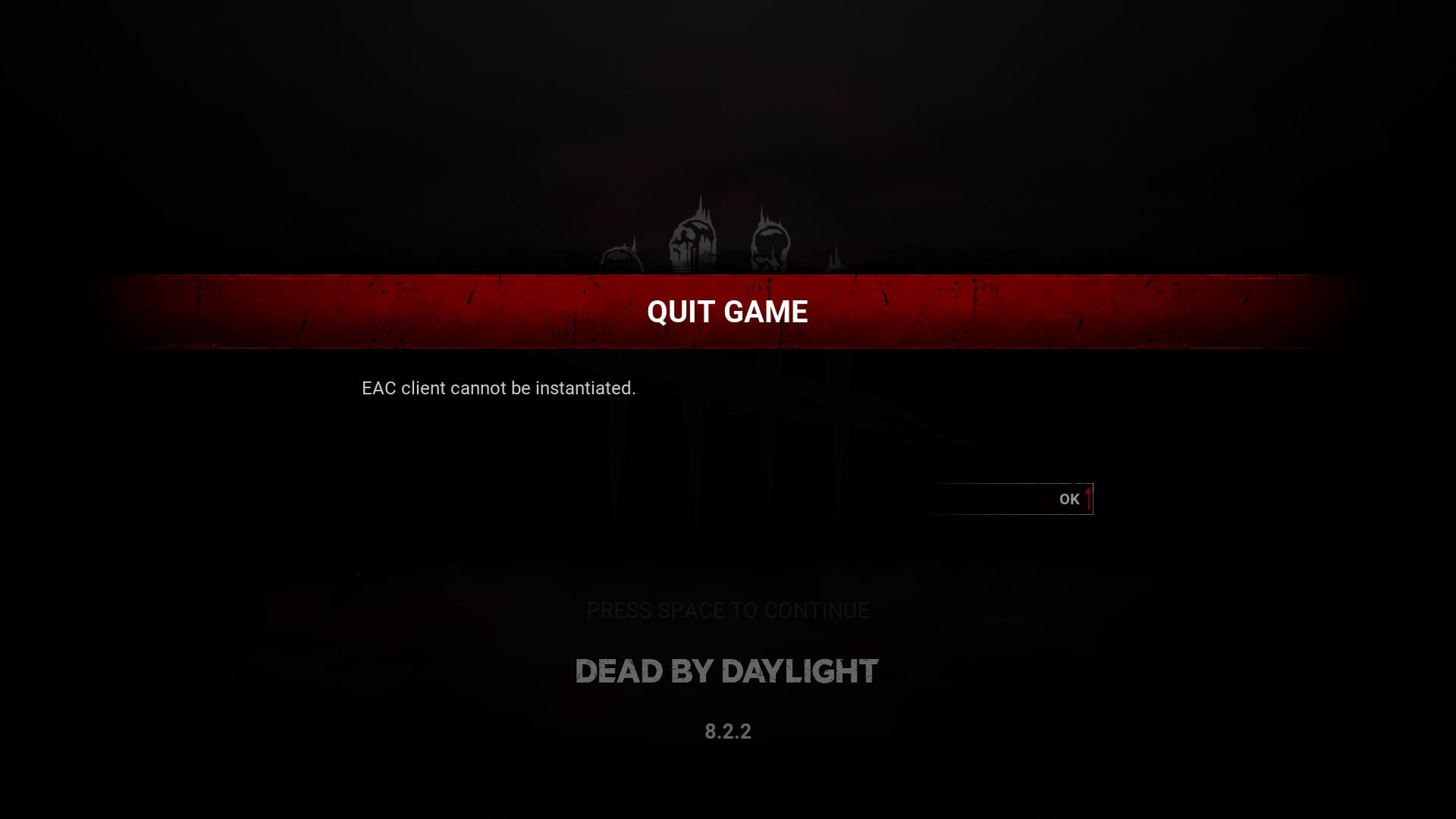 anticheatlauncher.log
On another note, I just realised that I dont usually get the prompt to allow EAC to make changes to my computer when I start up DBD (it usually just launches the game when i click play in steam).
The EAC prompt only started appearing when this error is happening.
-
It's so ironic that I can load up the game just fine a few days ago, only for this problem to arise last night. And I didnt even do anything on my laptop to warrant this problem. Other games that also uses EAC EOS can load up just fine, its only DBD that has this problem.
And its double ironic that the game loads just fine on STEAM DECK. It's been almost a month, you have time to push out cosmetics and all that stuff but cant find the time to fix this problem???