Red Ping every lobby

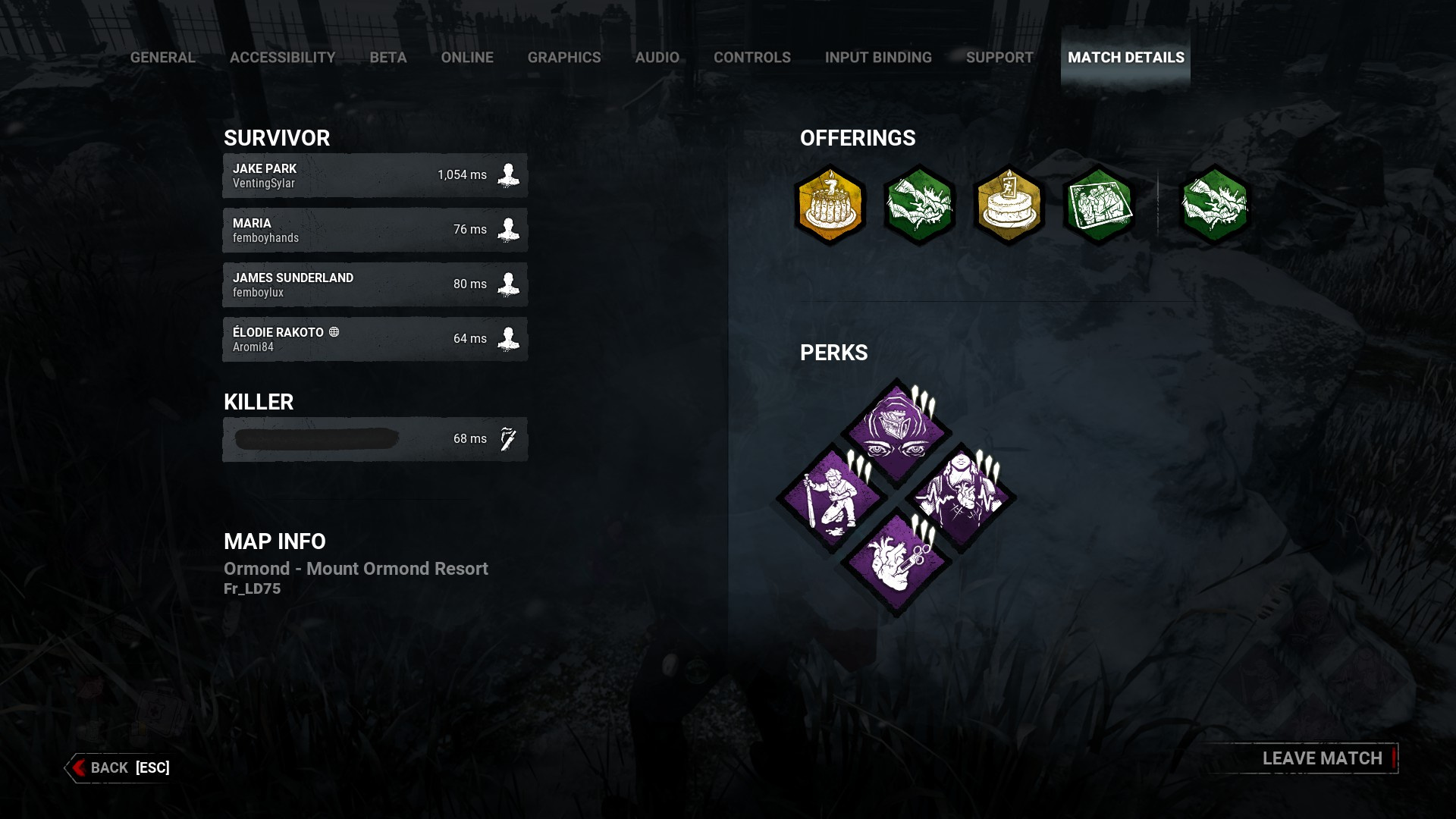
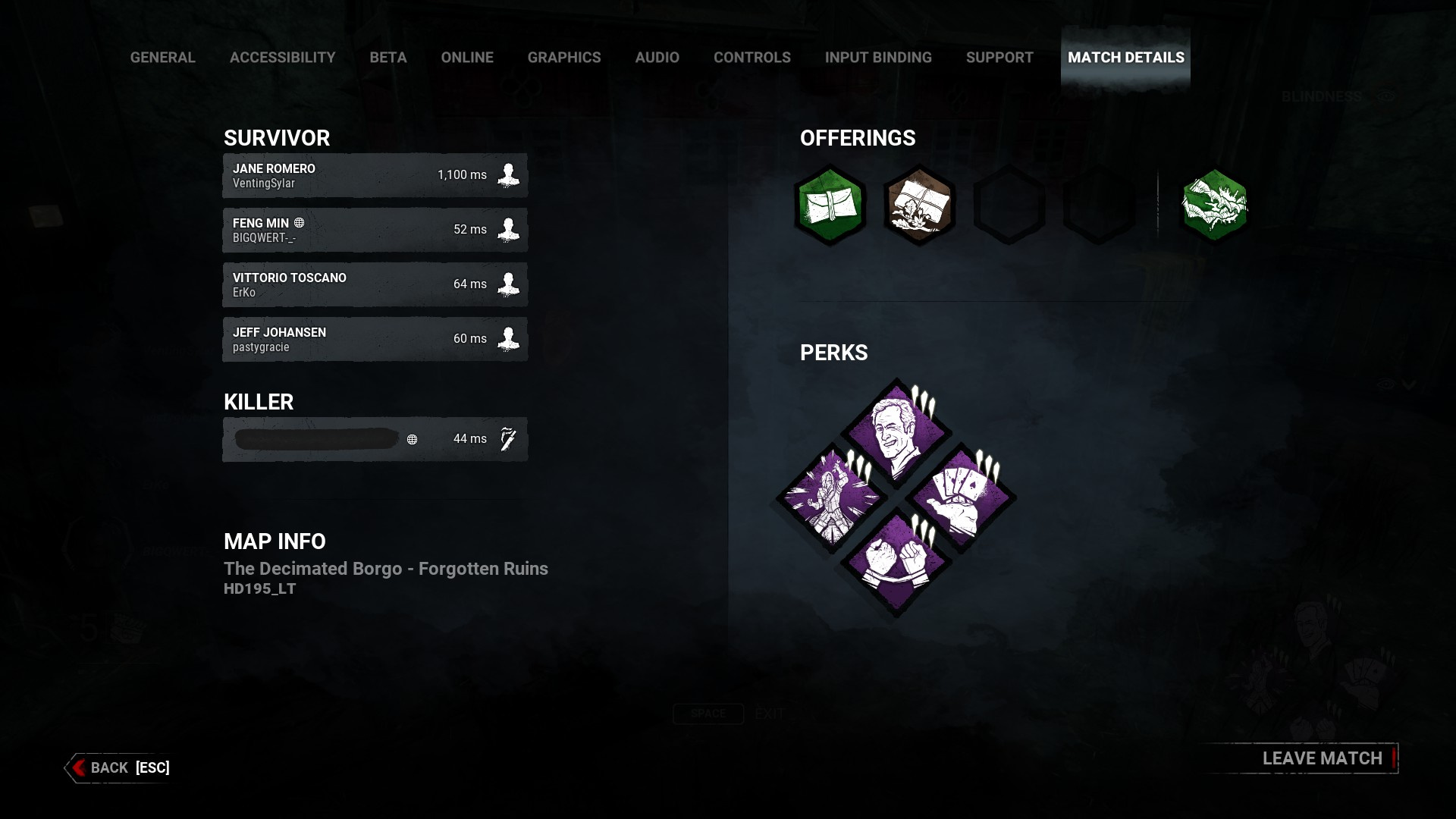
SUMMARY OF THE ISSUE: Every lobby is unplayable for me. The lag is so bad I can't move every match. With ping going as high as 1,100 ms every match. I've restarted steam, my computer, cleared steam download cache. My internet is fine according to speed tests and I've been able to play plenty of other game just fine with zero issues. But since Saturday DBD is just literally unplayable. Half the time it won't even connect to a lobby and just say "can't conenct to host". I feel like I've tried everything and don't know what to do.

PLATFORM: PC
207AB0~1.JPG 20944E~1.JPG
Tagged: ModUnder Review

Comments

  • Could you please attach the logs?

    To find them:

    1. Press the Windows Key + R to open the "Run" command.
    2. In the text box paste the following: %USERPROFILE%\AppData\Local\DeadByDaylight\Saved\Logs
    3. Click "OK" - this will open your Dead by Daylight Logs folder.
      • If it does not open the Dead by Daylight Logs folder, it may mean that when installing Dead by Daylight you chose to save your files somewhere else and will need to check there.
    4. The file called "DeadByDaylight.log" is your log file

    Thank you.

  • @Rizzo said:

    Could you please attach the logs?

    To find them:

    1. Press the Windows Key + R to open the "Run" command.
    2. In the text box paste the following: %USERPROFILE%\AppData\Local\DeadByDaylight\Saved\Logs
    3. Click "OK" - this will open your Dead by Daylight Logs folder.
      • If it does not open the Dead by Daylight Logs folder, it may mean that when installing Dead by Daylight you chose to save your files somewhere else and will need to check there.
    4. The file called "DeadByDaylight.log" is your log file

    Thank you.

    I did everything you listed but it only showed "Dead by Daylight" and a bunch of backups in the log folder. There was sadly no .log file. I tried searching the other folders but can't find it so I'm not sure where the file would be.