PC - Incorrect Resolution Is Used (High DPI Scaling Issue)
Description
When playing on PC, changing the monitor scaling in Windows causes the resolution to change based on the scaling. For example: If you are running a 2160p monitor at 200% scaling, the in-game resolution will be 1080p (including 3D and UI); on the other hand, if you change the scaling to 100%, it works as expected.
Example
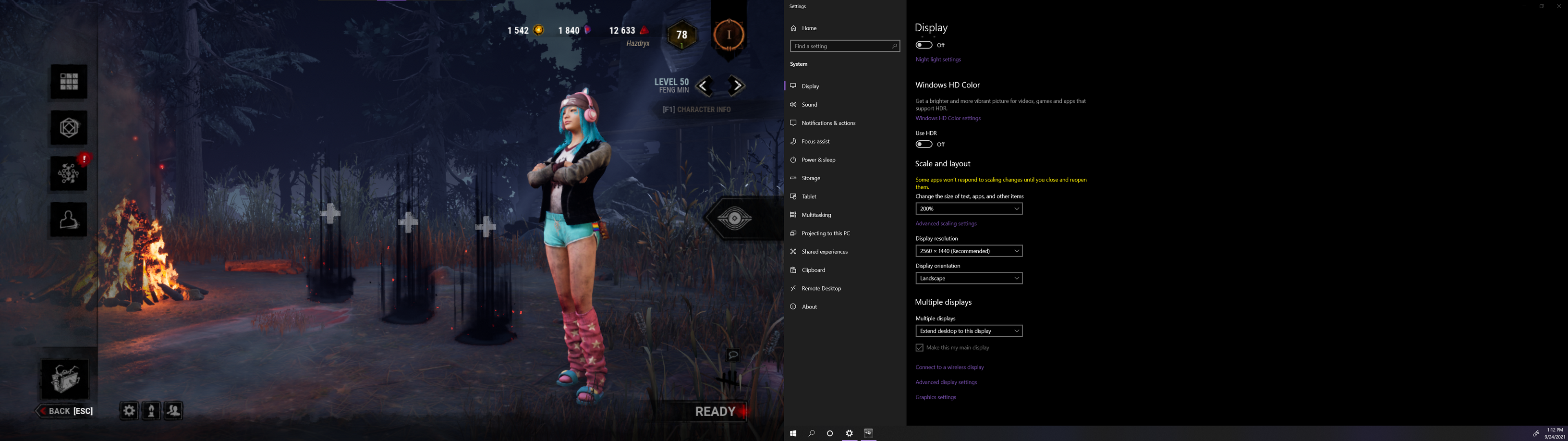
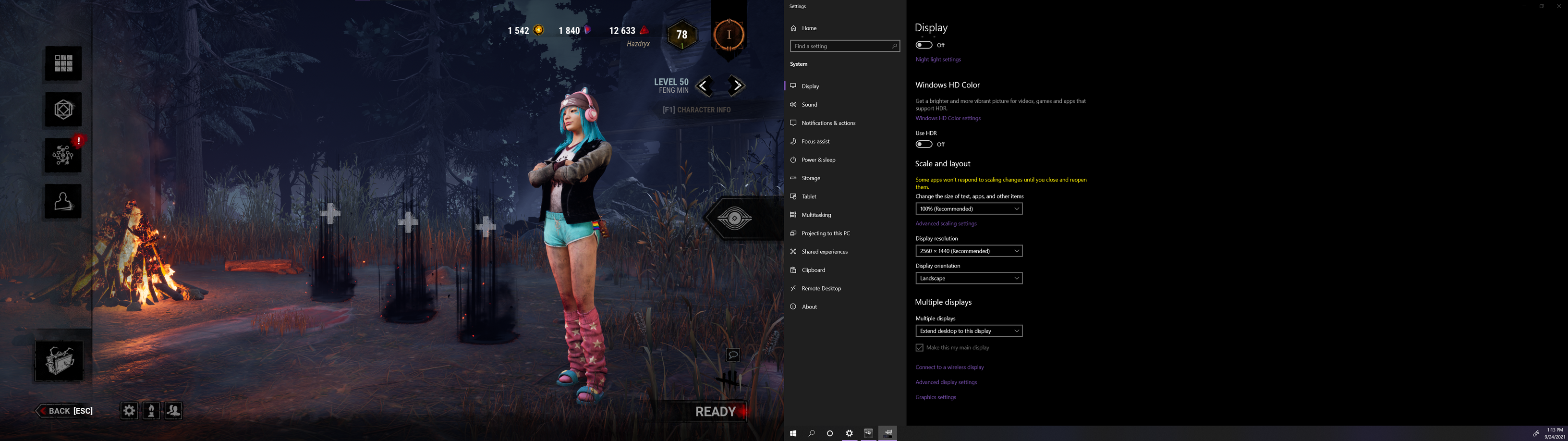
How to Reproduce
- Launch the Game
- Open Display Settings in Windows
- Change your Scale and Layout percentage
- Dead by Daylight will change resolutions
I hope this gets fixed because switching from 125% scaling to 100% scaling every time I play will be a hassle. Thanks!
Comments
Since this issue has not been resolved yet, and there seems to be no acknowledgment of its existence, I built a simple windows app to warn me if my DPI is not set to 100% when I launch Dead by Daylight.
https://github.com/hazdryx/WindowsScaleWarning
This software is provided as-is, but I will continue to work on it if anyone else wants to use it.
Please fix this BHVR, my game is so blurry unless I make my entire Windows tiny for this one game :/