
TheHunter
TheHunter
About
- Username
- TheHunter
- Joined
- Visits
- 3
- Last Active
Comments
-
Quality selected: Ultra
Processor: i7 4770K @ 4.6GHz
RAM: 16GB DDR3 2400MHz
Hard Drive: SSD Crucial
Graphics Card: Geforce 980TI @ 1405MHz
Monitor: Samsung C24FG73 1920x1080
Operating System: Windows 10 1809 (October update)
Also some textures are low quality.
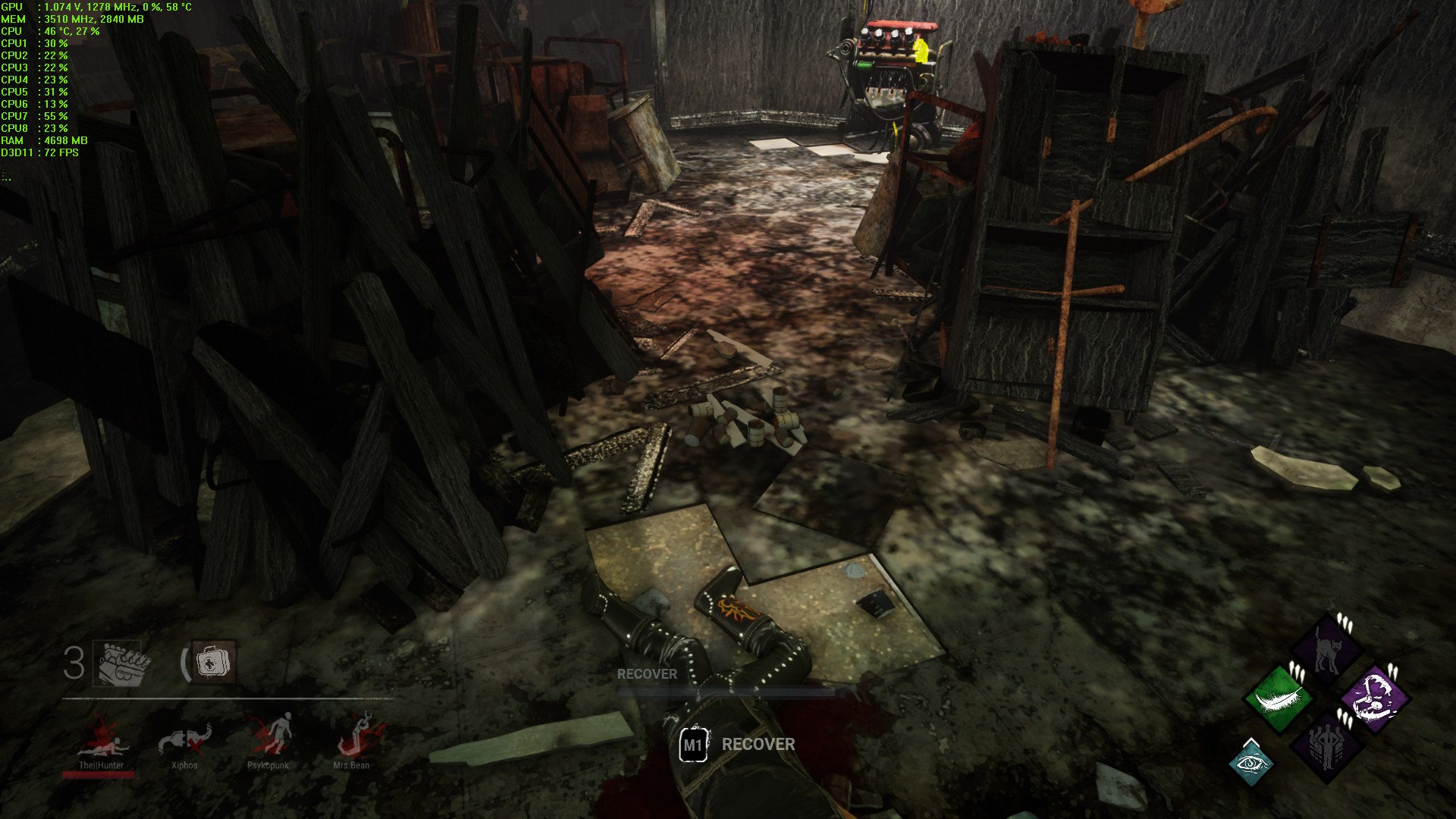
And new map and Freddy Kruger, I sometimes see him for a split second, even though he should be invisible. And yeah when in his dream world performance goes down too ALOT!
EDIT: played that wreckyard map and personally I must say the game looks uglier now, blurry and just bad. Never mind lower performance.
You killed it on one go, great job!
-
The game runs a lot worse now, at least 10-20fps worse. I see it already in the lobby. 10% higher gpu usage.
I have a OC'ed 980TI and play on 1080p display, I had modifed ingame cfg gameUserSettings.ini file to have higher render resolution.
I use to have ScreenResolution=120 , making ingame as 158%, but now I had to lower to 110 or ingame 128%, to have somewhat the same fps as before.. Im using 72fps cap.. Use to have 80-99% gpu usage before at 158% and 72fps cap 99% of the time, but now if I used the same settings it would drop to low as 50-55fps and very jittery.At 110 or ingame 128% it looks a lot worse for me personally, narrower Field of view and more blurry.. I already raised driver LOD to - 0.750 now, before I had -0.375 for sharper view and it's still somewhat not it. Im playing @ ultra setting.
Please do something about it, or lower that volumetric fog detail. Idk why you raised/changed that in the first place.