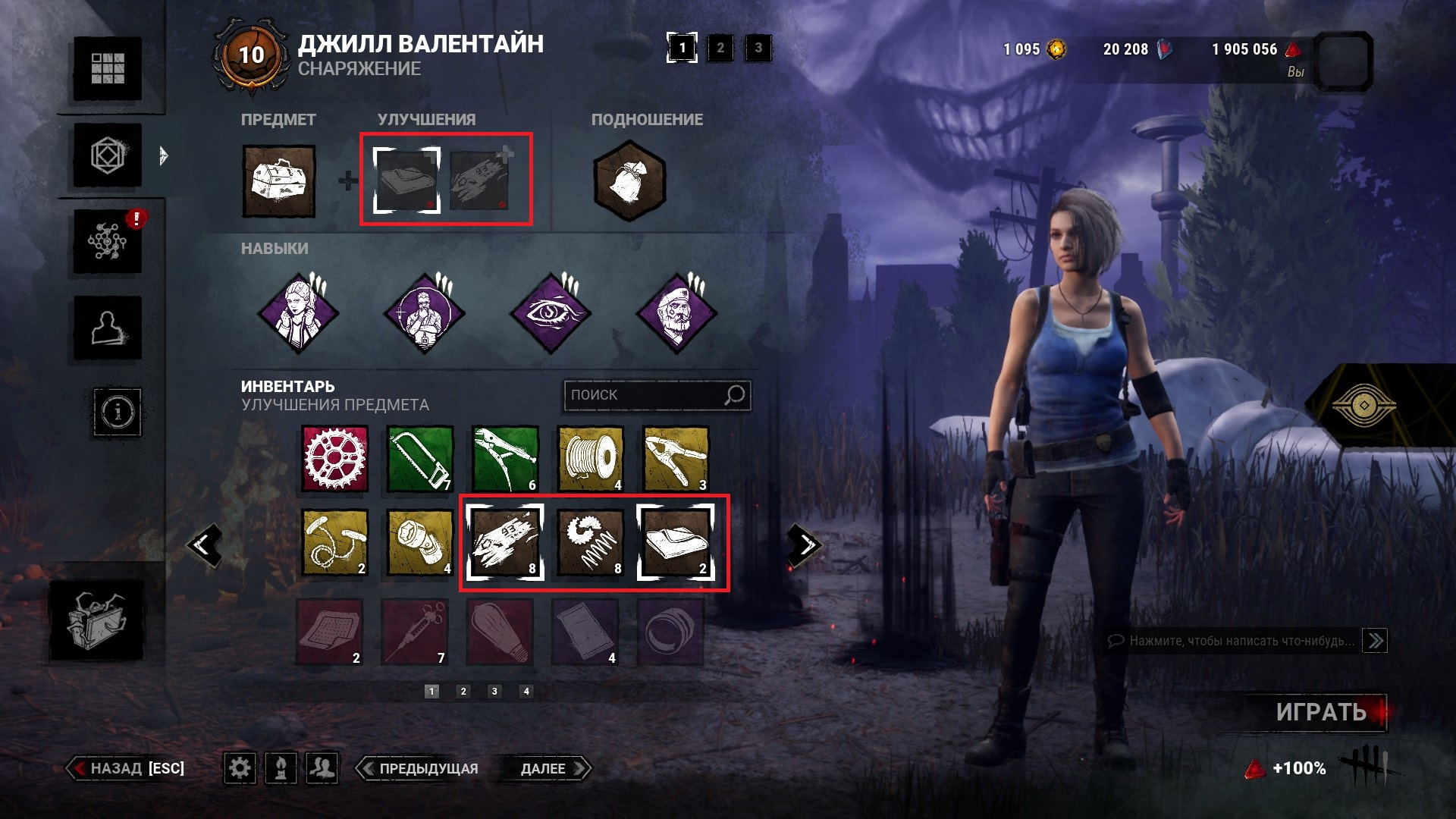
Selected addons still doesn't exists despite buying them in bloodweb
Platform: PC (steam), ver. 7.5.2
Steps:
Step 1. Open equipment tab and select an item. Set addons to it, which remains in the amount of 1 piece
Step 2. Play public match to spend the item and addons
Step 3. After the match, open equipment tab and make sure there is no more selected addons
Step 4. Go to the bloodweb tab and buy the missing addons
Step 5. Return to equipment tab
Tagged:
Duplicate
Comments