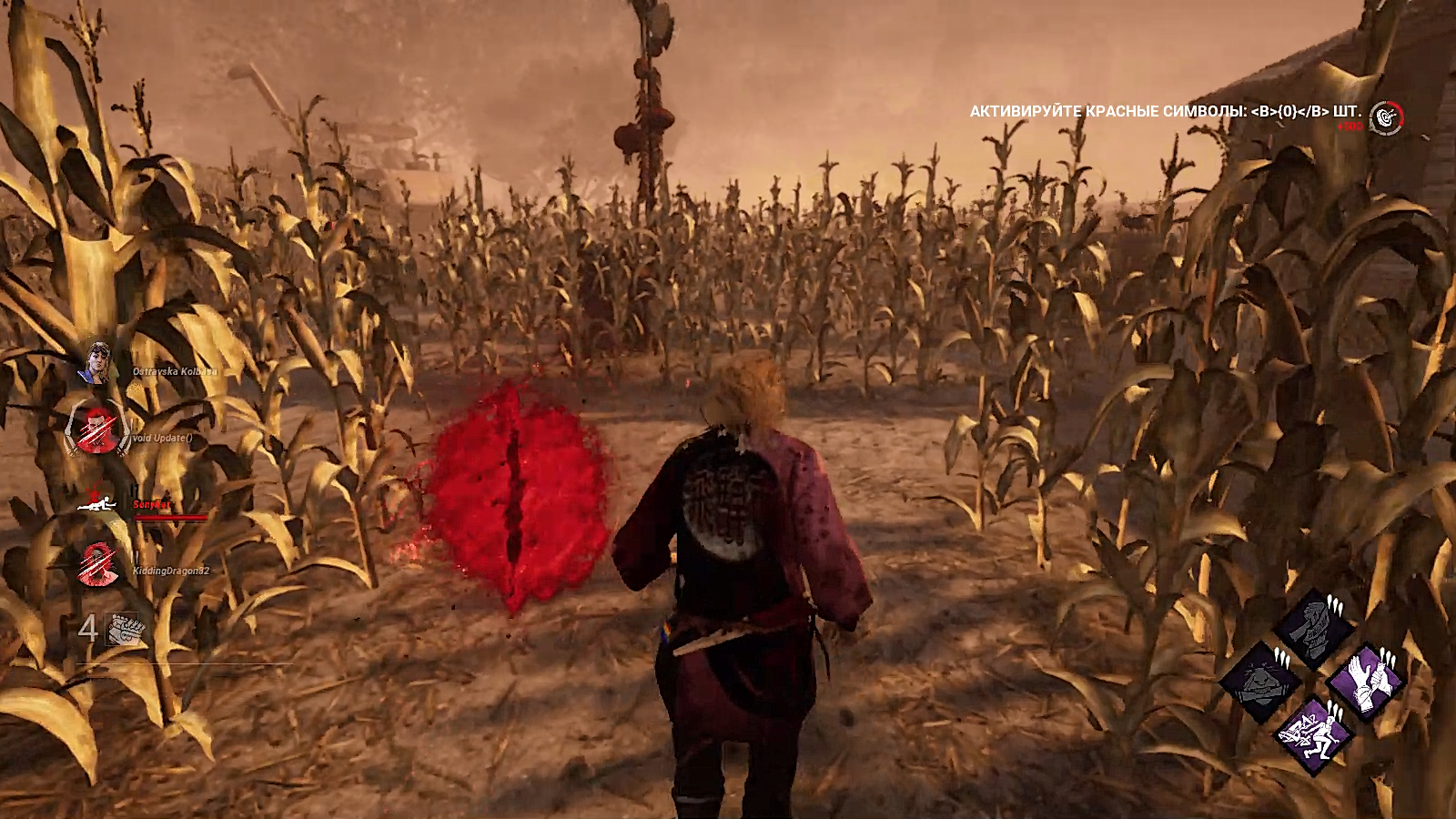
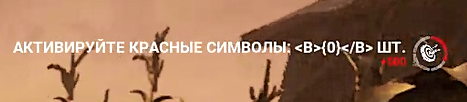
In-game notification displayed with a mistake

Platform: PC
Description: When Russian language is chosen it game, while completing the "Commune With Red Glyph" task from the Rift, after interacting with the glyph, the message about receiving points is displayed incorrectly. Text with an empty variable is displayed instead of the number of glyphs communed.
Steps to reproduce:
- Choose "Russian" in Language settings.
- Choose the "Commune With Red Glyph" task from the Rift.
- Commune with the Red Glyph.
- The message about the number of glyphs interacted is displayed.
How often does this occur: Noticed for the first time since never played in Russian before.
Screenshots:
Tagged:
Pending
Comments