PC - Lighting is too dark
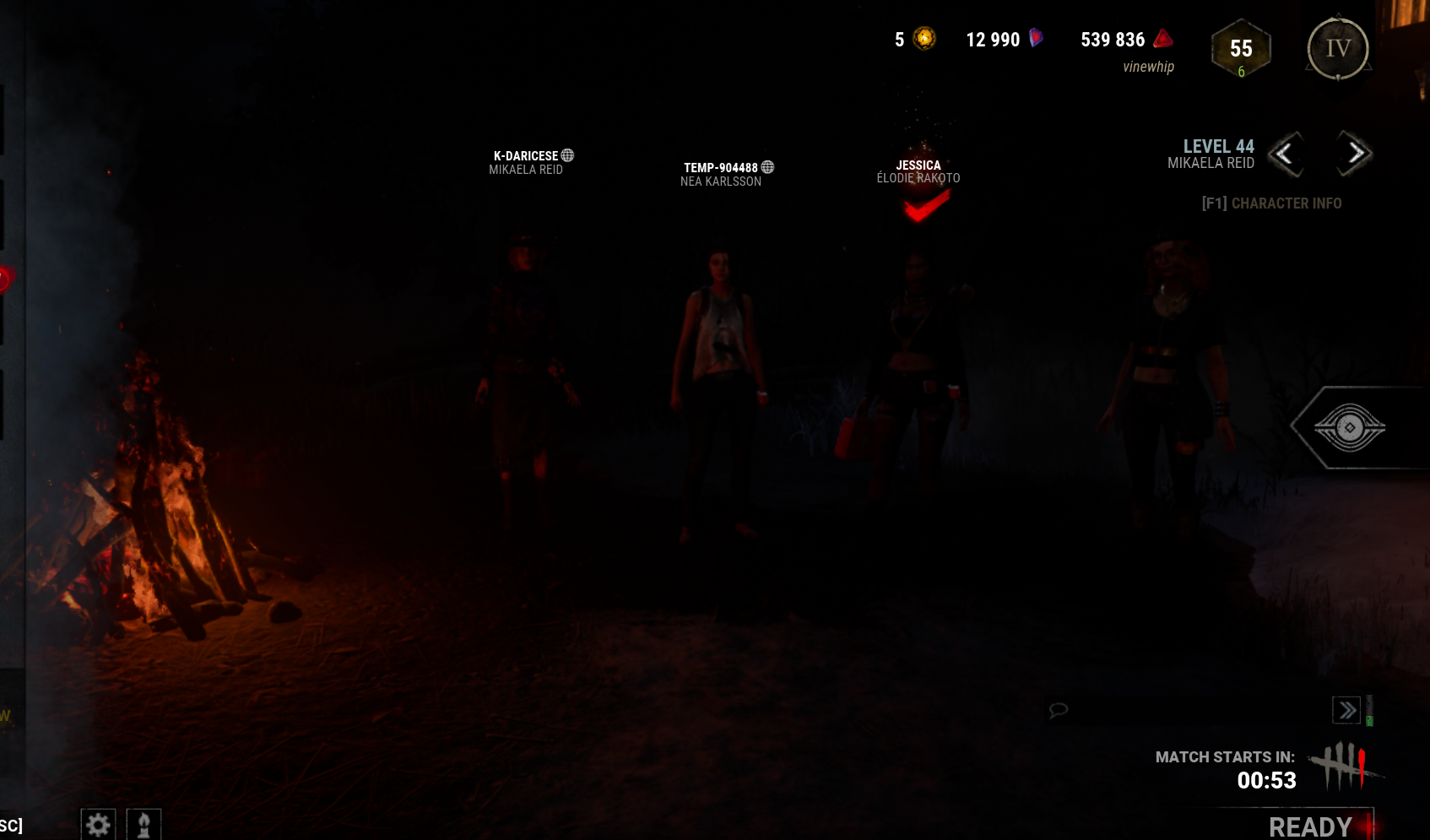
This occurs every time I open DbD. I've tinkered with the settings and restarted the games many times to see if any of that would work, but nothing has seemed to make a difference.
The game is simply wayyy too dark, and I've compared my game to a friend to see if it was just me. Their game was way brighter than mine, and my game is so dark I can only see a few feet in front of me in matches. The lighting is affected in all aspects of the game, including menu and store visuals, as well as in-game.
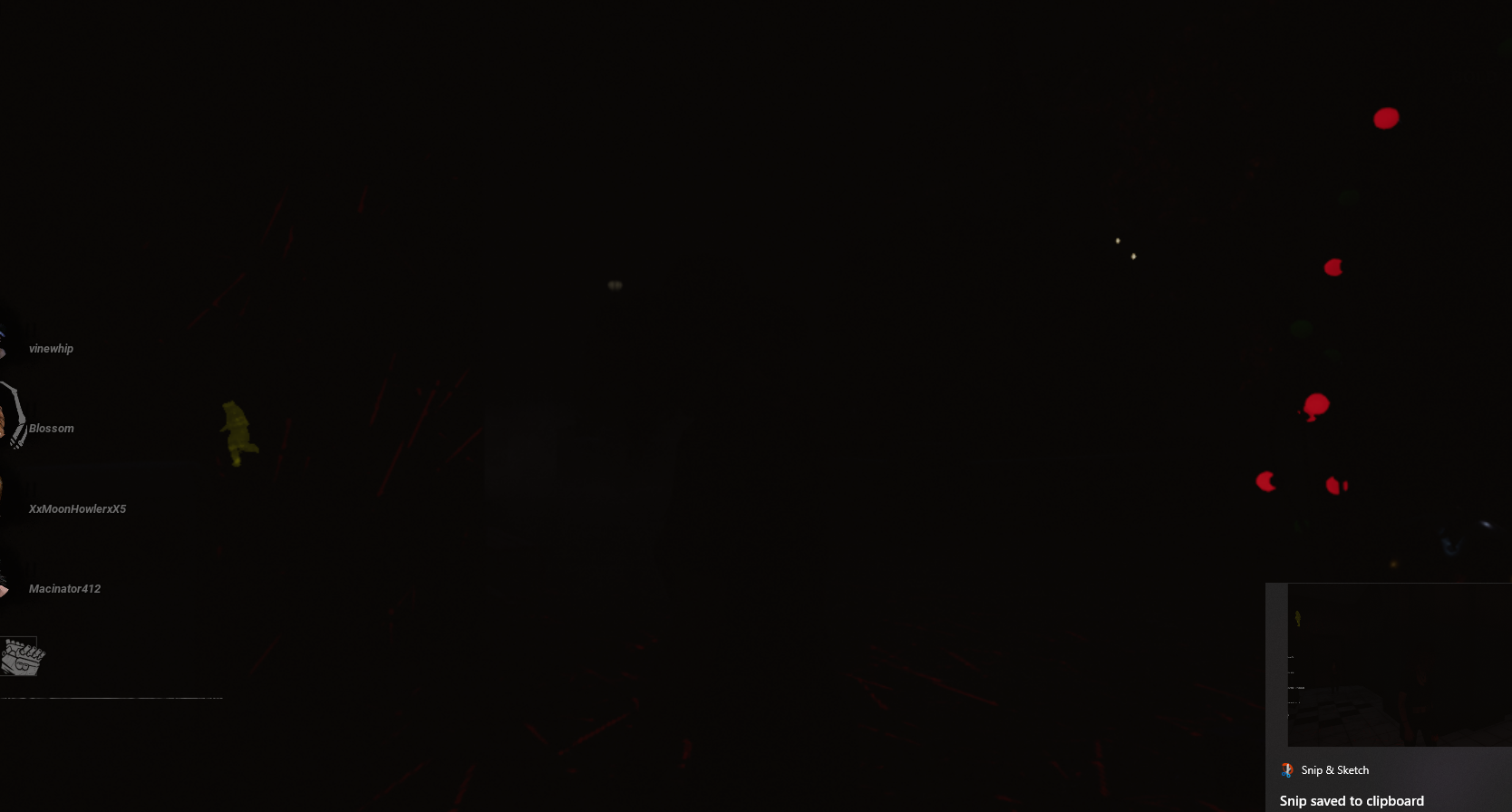
Screenshot of the RPD map
This makes the game near unplayable.
Tagged:
Pending
Comments
Win+R write %appdata there%
Click the back arrow, go to Local.
Find DBD there and completely delete this folder.
After that, open steam on the game page, click on the gear and game files.
Check and fix Local files.
After that, the game will update quickly. Go into the game and enjoy the normal graphics again
OMG THANK YOU SO MUCH
this worked :DD