Springwood Maps not visible in Custom Match settings [Stadia]

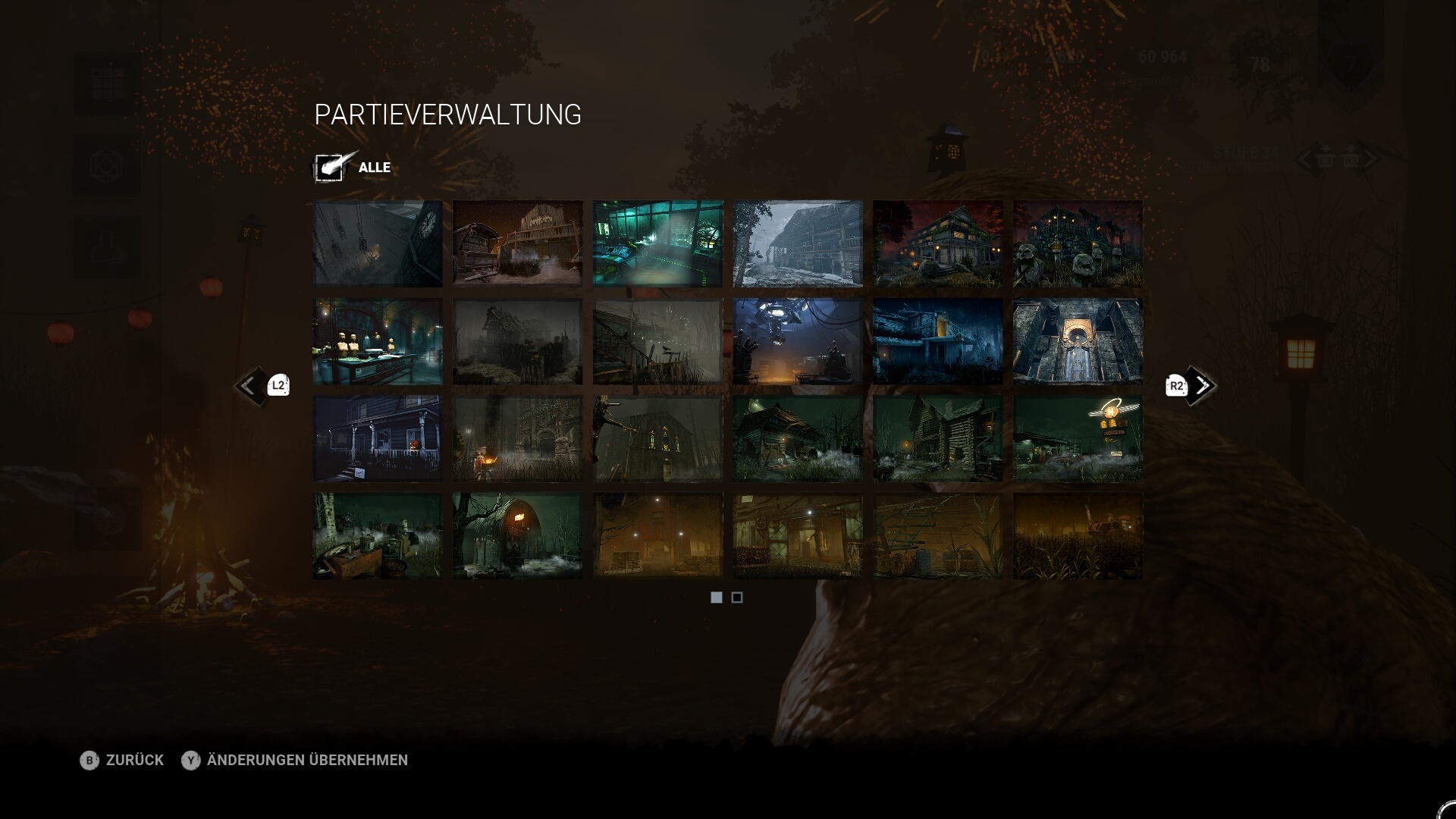
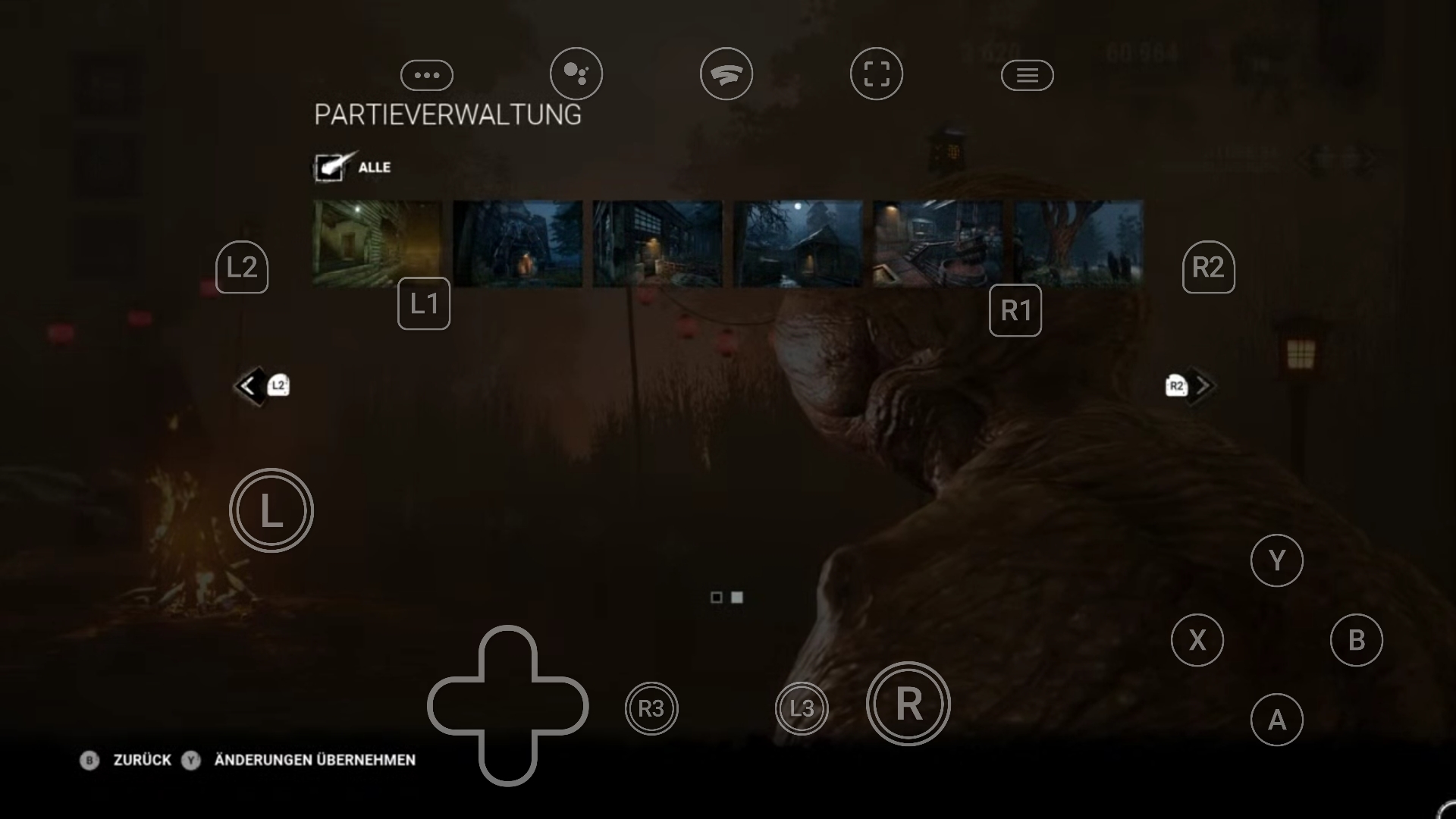
The Springwood Maps are not visible in the Custom Match settings on Stadia.
Steps to produce:
1. Go to custom Match
2. Go into the map settings
3. You will see that there are not any Springwood Maps.
Proof (ignore on the second one the controls, I took it on mobile):
Tagged:
Pending
Comments