(RESOLVED) Nintendo Switch - Negative Bloodpoints and Crash after using the Bloodweb

This bug appeared after the extension of the Gilded Stampede event (February 25, 2021).
Step 1 : Boot the game
Step 2 : Redeem the 50,000 Bloodpoints
Step 3 : Using the Bloodpoints in the Bloodweb (I had 100 Bloodpoints after doing this step)
Step 4 : Going to the inventory to change 1 perk (Before changing Quick and quiet for We'll make it, I notice that I had -19 975 Bloodpoints)
Step 5 : Play as Meg in a public match and get 25 000 Bloodpoints (After that game, my total number of Bloodpoints was at 5 000)
Step 6 : Spend 3 000 Bloodpoints on a Red Envelope
Step 7 : Play a new match with the same character and inventory
Step 8 : Game crash after trying to load the Bloodweb
Step 9 : Reopen the game and I noticed I had -18 000 Bloodpoints and I didn't get the Red Envelope
Step 10 : Play a new match and got, on the aftermatch screen, 70 000 Bloodpoints (some were from a daily challenge)
Step 11 : On the Bloodweb screen, there were only 50 000 Bloodpoints
Step 12 : Spend most of my Bloodpoints on the Bloodweb to finish the current web
Step 13 : The game crashed again after trying to load the new web
Step 14 : I reopened the game. I had -17 000 Bloodpoints and the Bloodweb looked the same as yesterday (All my progress from today is gone.
Step 15 : In the Bloodweb, I try clicking the Red Envelope and, where there is the number of Bloodpoints, a red circle kept showing up (we can see it in one of the screenshots).
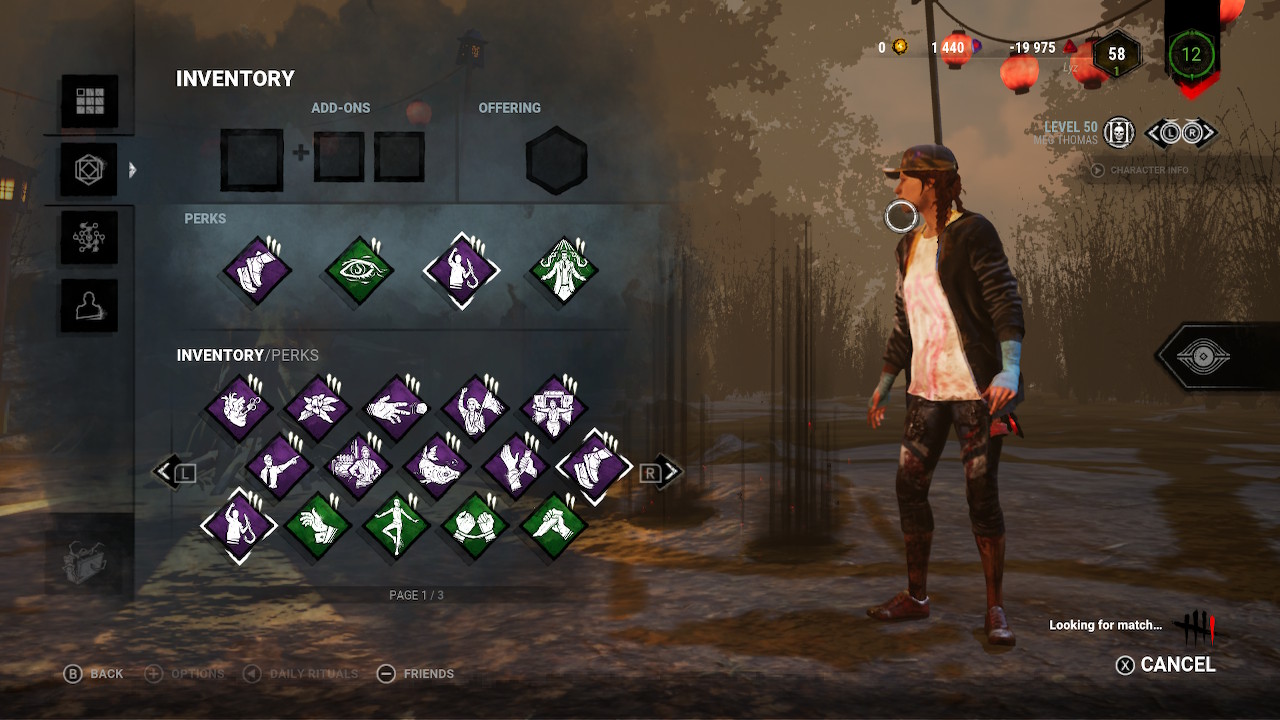
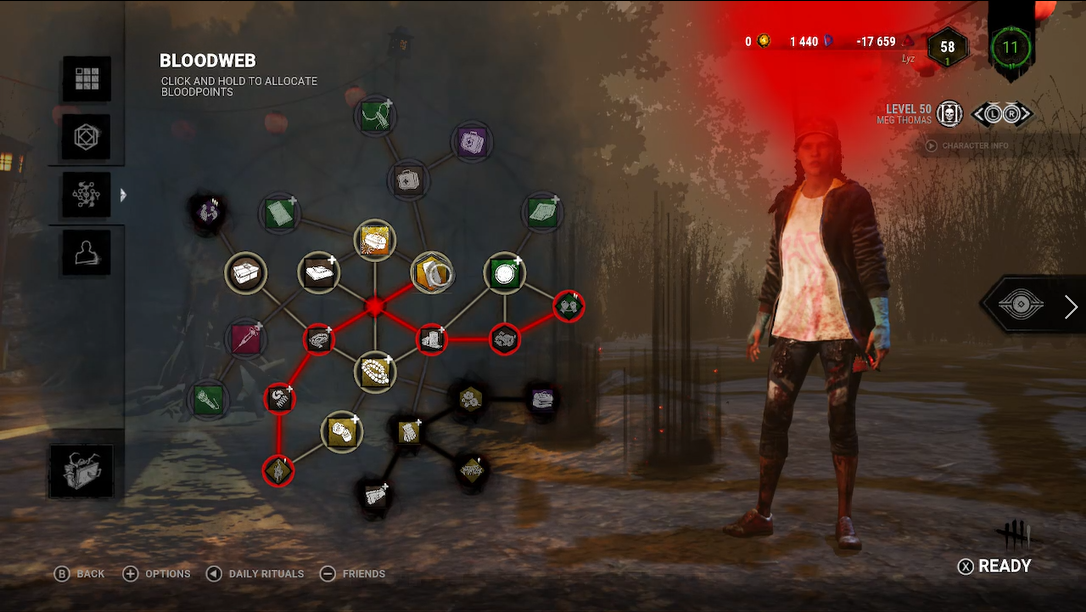
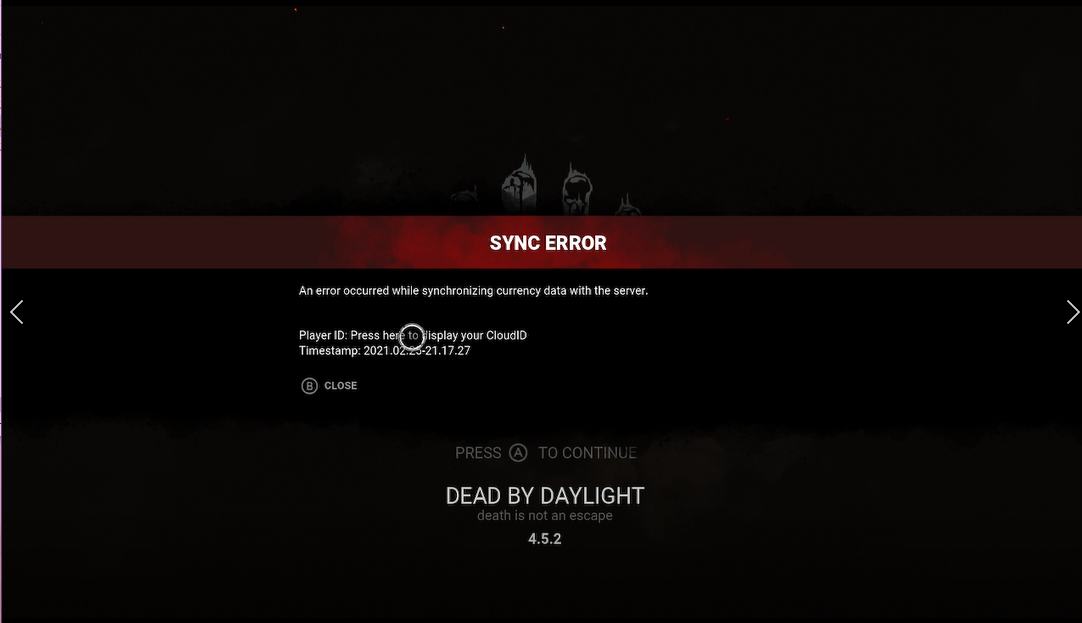
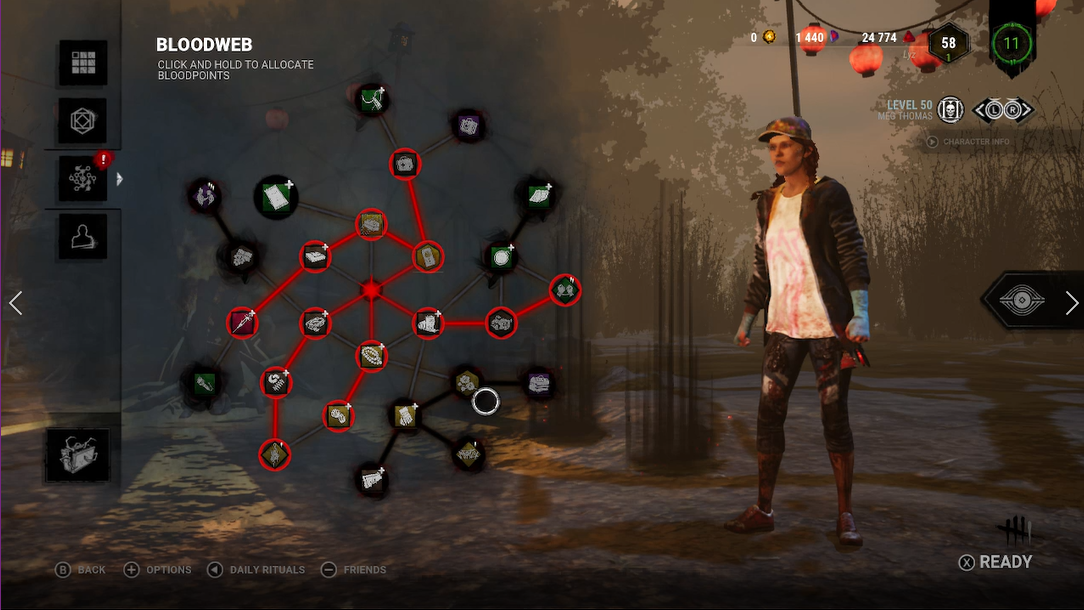
Edit:
Today (February 26), I was able to level up Yui and Meg with the 50 000 Bloodpoints (it was actually 30 000 because of the bug).
I was also able to use the offering in a match and I didn't lose Bloodpoints between the Aftermatch screen and the Inventory screen.
Comments