PC - Low Quality/Blurry UI when using "Low" graphics setting

Example
- 1: Set graphics to "low"
- 2: Restart Dead By Daylight.
ADDITIONAL INFORMATION
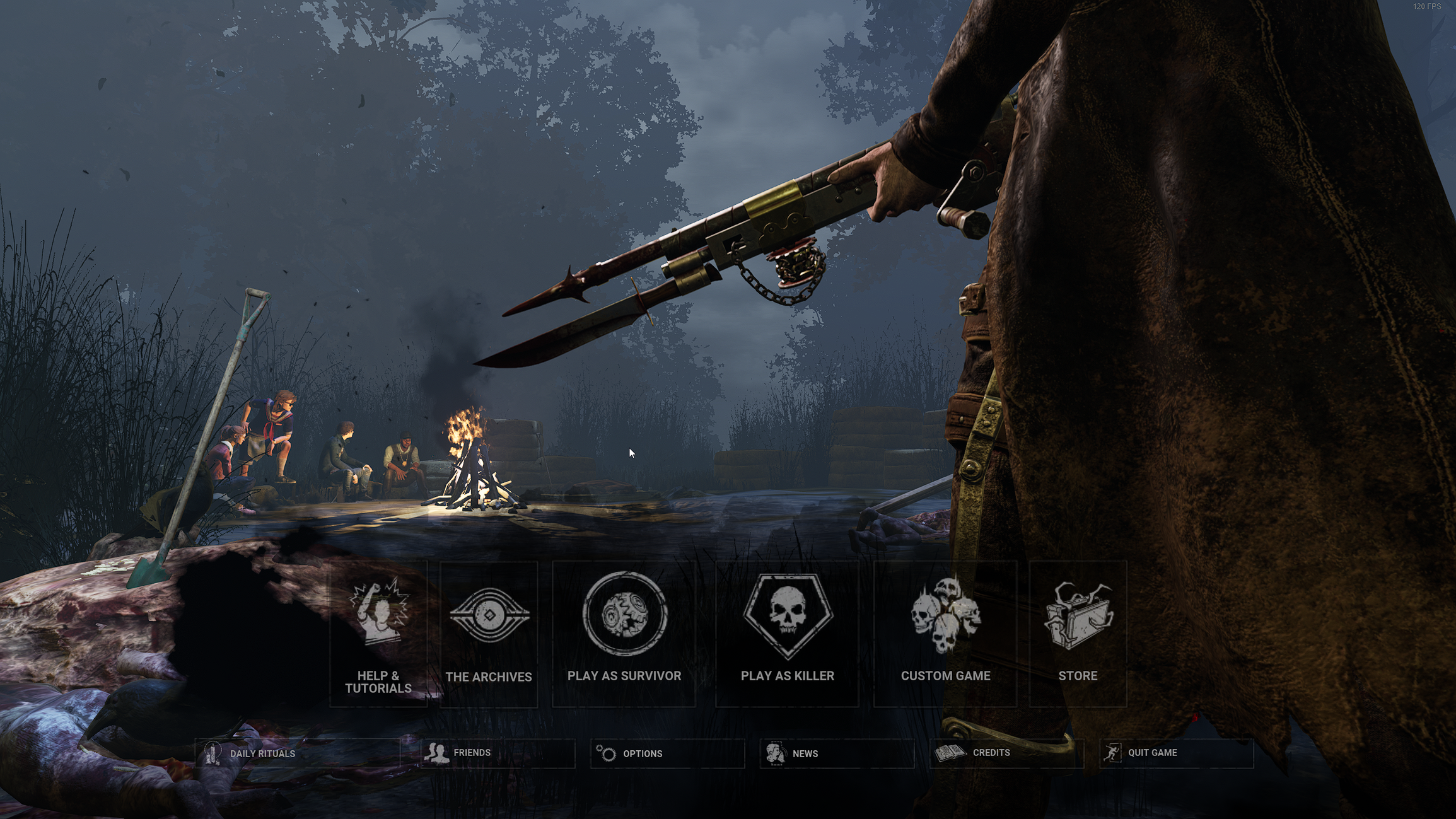
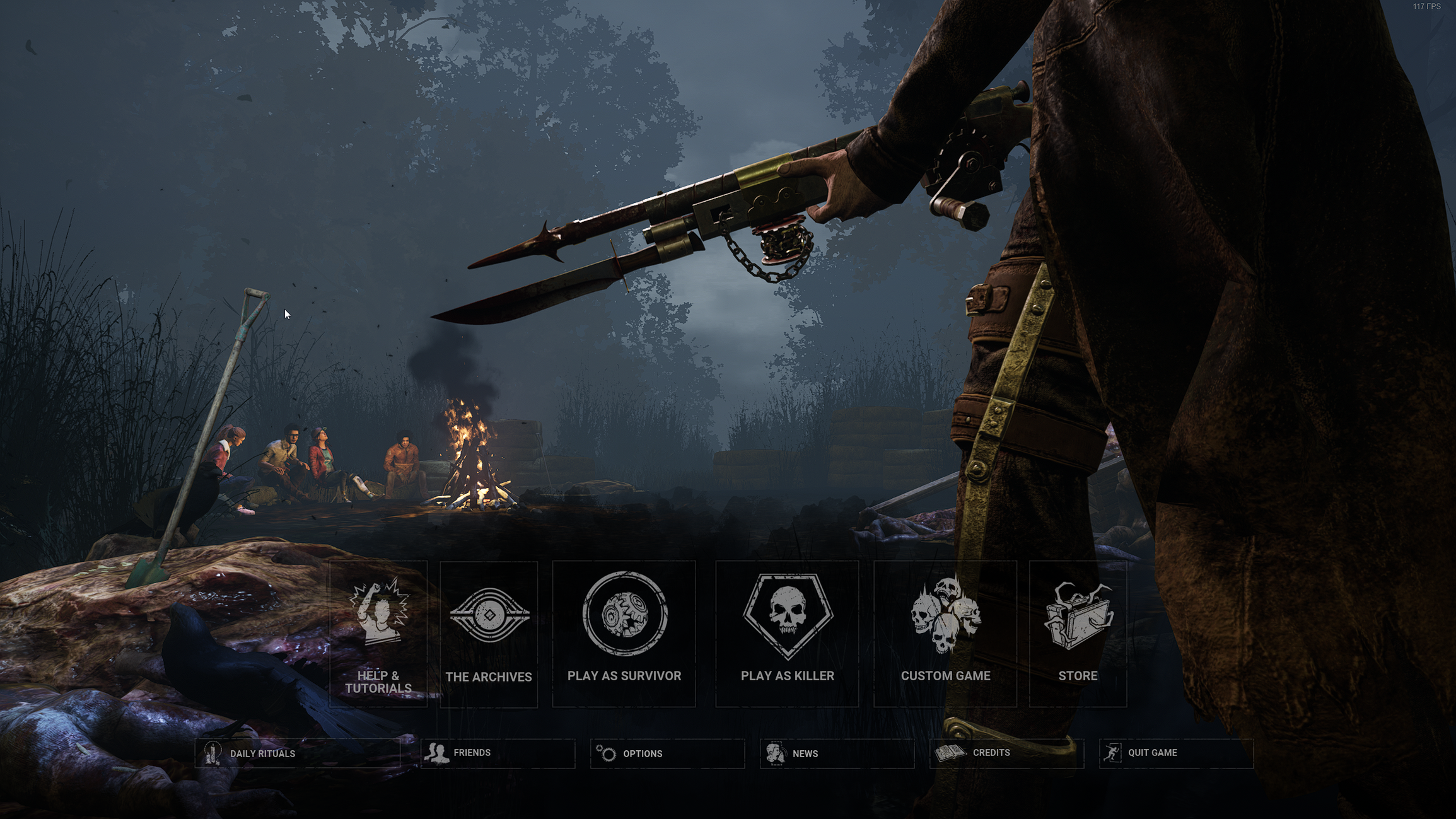
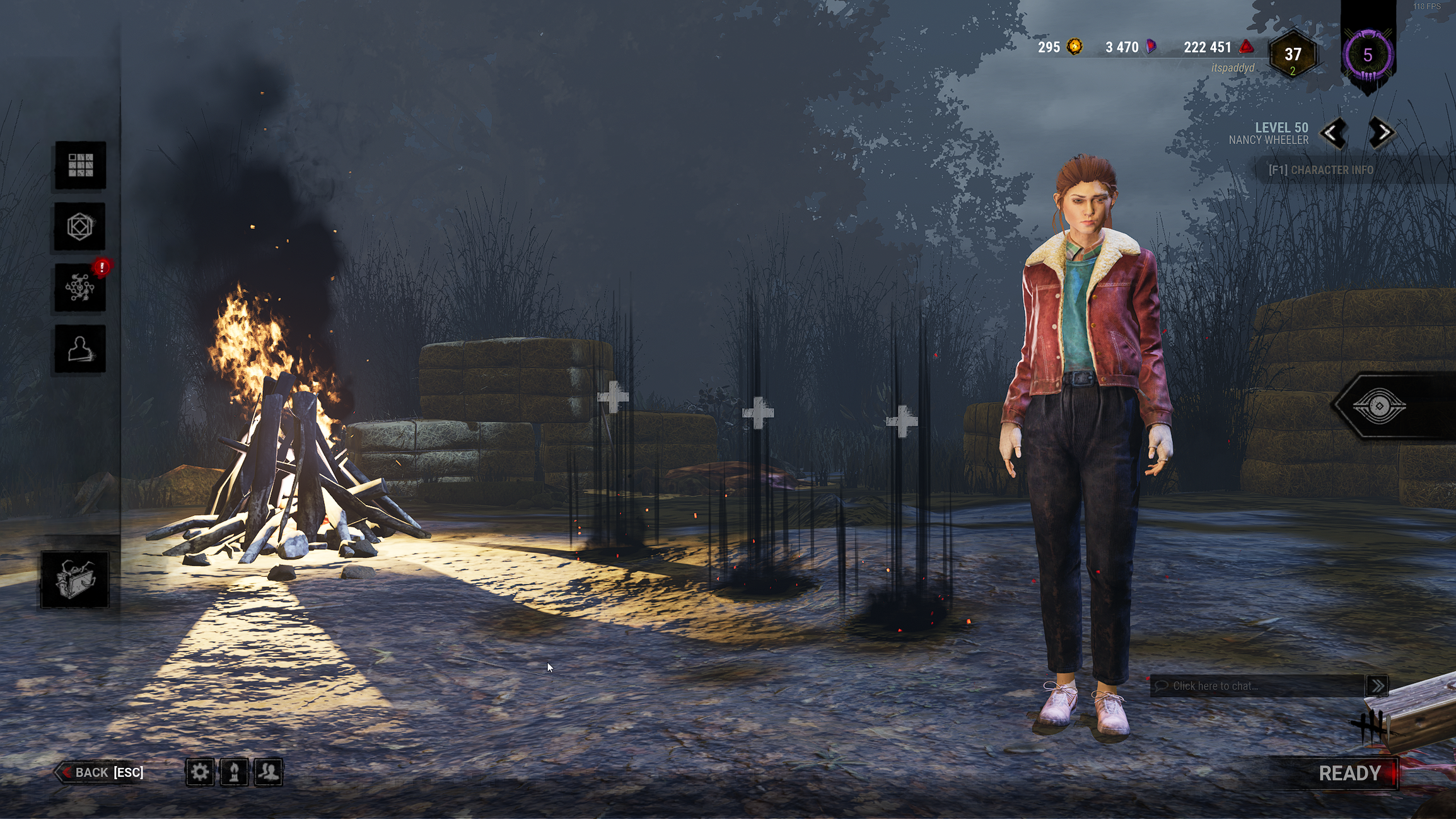
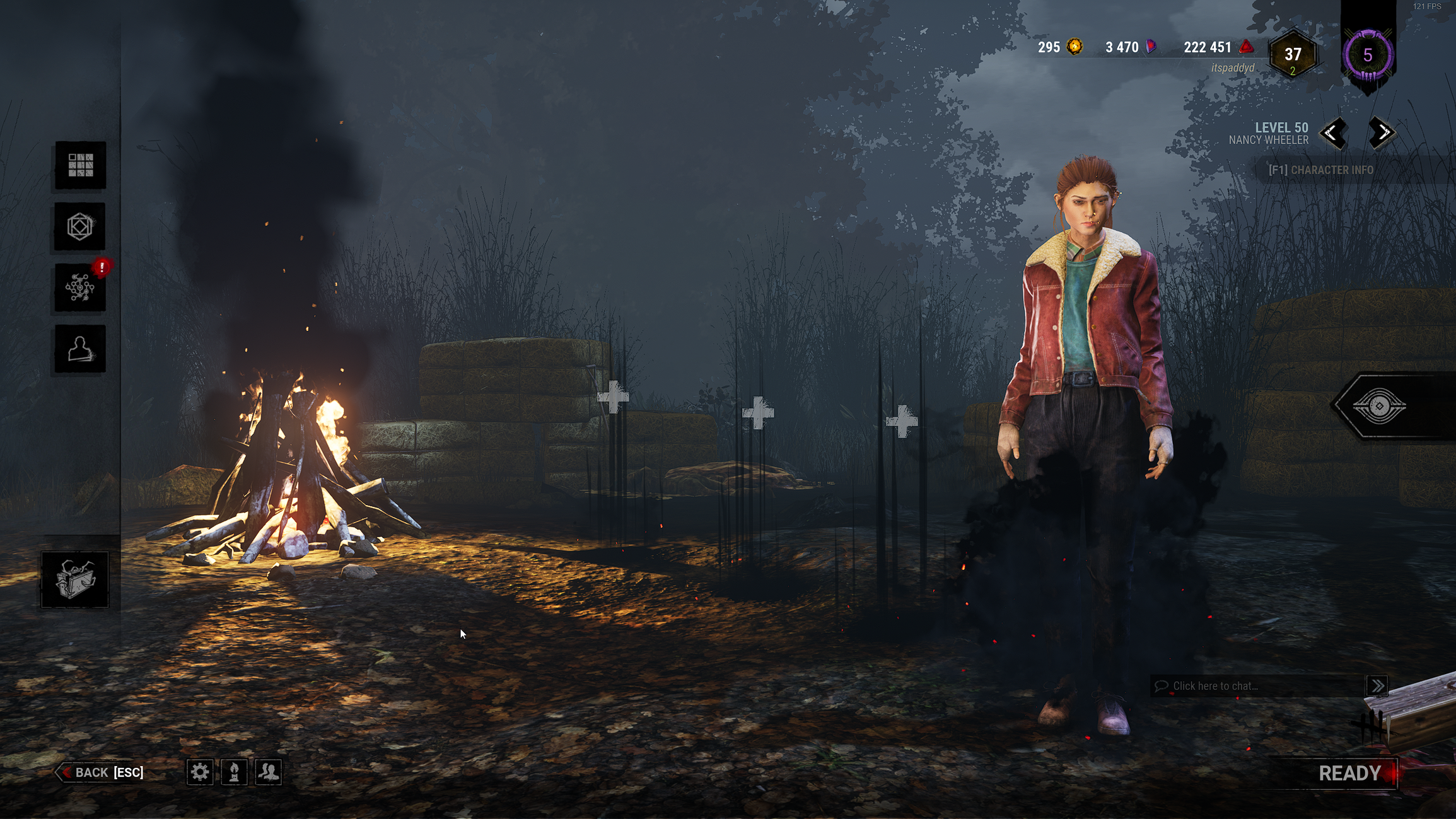
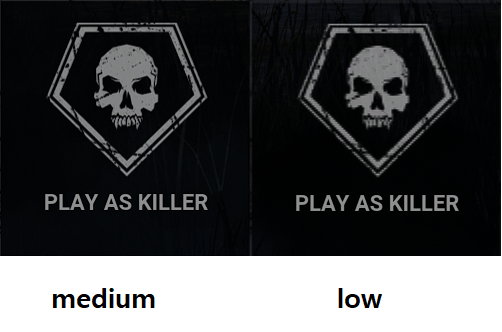
- UI elements such as the main menu buttons, generator progress bar and counter, and lobby UI buttons are all low resolution when using this setting. This only occurs if the game is started with low graphics enabled, if you are set to medium or higher and then change to low it will not occur until you restart the game.
- Occurs with a 100% frequency
DOCUMENTS TO ADD
Here are some screenshots to showcase the differences. All are taken at 1440p resolution.
Main Menu Low Settings:
Main Menu Medium Settings:
Survivor Menu Low Settings:
Survivor Menu Medium Settings:
Comparison between the store button:
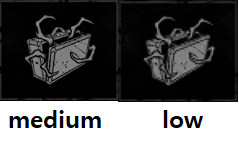
Comparison between the Play Killer button:
Tagged:
Pending
Comments