BSODs or Blue Screen of Death error generally occurs when Windows encounter a ‘STOP error’ due to corrupt hardware drivers and faulty update components. This critical error leads Windows to crash and stop working.
You can use blue screen trouble shooter:
1. In Windows 10, go to ‘Settings>Updates & Security>Troubleshoot’
2. Click ‘Blue Screen’ and then click ‘Run the troubleshooter’
3. The trouble shooter will identify the issue and will help you fix the issue or provide you with further steps
4. Once fixed, restart the system and then use your system for a while to check if the BSOD screen issue is gone.
Sometimes when hard drive makes a problem then also BSOD error also occur. You can check the hard drive health using S.M.A.R.T disk monitoring system. Or you can download the free trial version of Stellar data Recovery Professional. It has inbuilt utility called disk utility which shows the hard drive health. After that can take the appropriate decisions
Tldr: This is an archived version of the DBD forum, it has all posts, comments and media. The archived data will be published at the end of October. This site is not in any way affiliated with or endorsed by Behaviour Interactive.

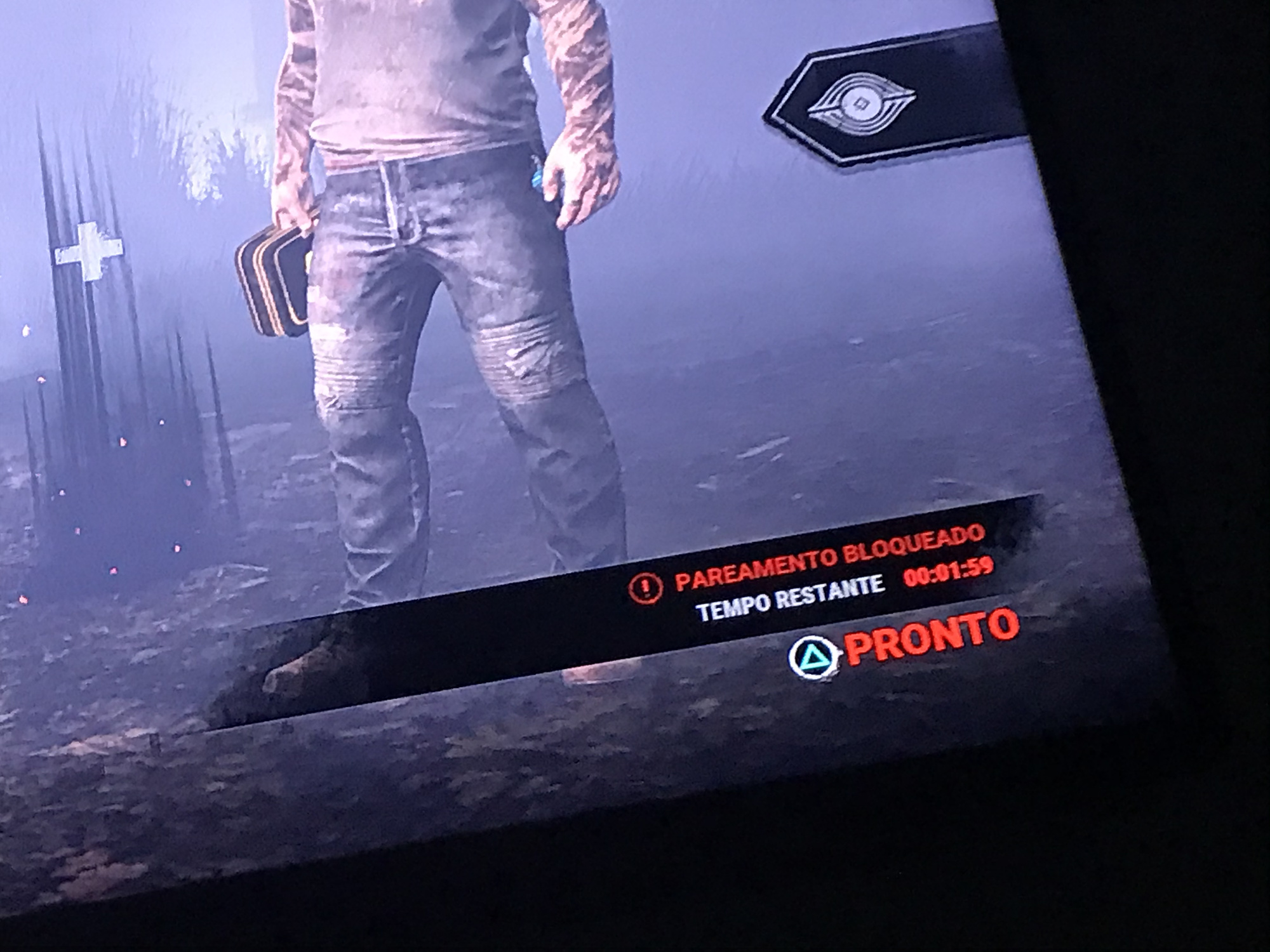
Comments
BSODs or Blue Screen of Death error generally occurs when Windows encounter a ‘STOP error’ due to corrupt hardware drivers and faulty update components. This critical error leads Windows to crash and stop working.
You can use blue screen trouble shooter:
1. In Windows 10, go to ‘Settings>Updates & Security>Troubleshoot’
2. Click ‘Blue Screen’ and then click ‘Run the troubleshooter’
3. The trouble shooter will identify the issue and will help you fix the issue or provide you with further steps
4. Once fixed, restart the system and then use your system for a while to check if the BSOD screen issue is gone.
Sometimes when hard drive makes a problem then also BSOD error also occur. You can check the hard drive health using S.M.A.R.T disk monitoring system. Or you can download the free trial version of Stellar data Recovery Professional. It has inbuilt utility called disk utility which shows the hard drive health. After that can take the appropriate decisions
PS4!